

AI Productivity
Practical workflows for personal admin, reading, decisions, documents, and daily knowledge work.
41 stories (26 articles · 15 videos)
Start here
A few good first pieces before you browse the full feed.
 3 min read
AI for travel, recipes, and life admin
Four small household tasks that share one habit: draft with permitted context, preserve unknowns, and check the facts before acting.
New to AI 3 min read
Using AI to stress-test decisions: frameworks, trade-offs, and counterarguments
A four-step workflow for using AI to clarify a decision, generate alternatives, surface counterarguments, and keep uncertainty and human accountability explicit.
BeginnerMore in this topic
 7 min read
Your AI agrees with you too much: four thinking-partner failures
AI can help you examine a decision, but it also inherits your framing, rewards confident prose, and quietly encourages you to outsource judgement. Here is how to catch each failure.
Beginner 7 min read
Spaced practice, retrieval, and interleaving—with AI doing the right work
Build a practical study system around three evidence-backed learning techniques, two of them strongly supported and one more tentative. AI prepares questions and feedback; you perform the retrieval and make the distinctions.
Beginner 7 min read
Why AI explanations feel like learning—and often aren't
A fluent explanation can make a subject feel familiar before you can actually use it. These three tests reveal whether AI helped you learn or merely helped you follow along.
New to AI 8 min read
AI coding without being a developer: building tools in Cursor and Claude Code
AI coding tools can help non-developers prototype small internal tools. This guide explains a test-first workflow, its limits, and when an experienced engineer must take over.
Intermediate 4 min read
AI for meetings: transcripts, summaries, and action items
A realistic workflow for capturing meetings with AI: choose an approved data path, review the transcript, and turn explicit evidence into decisions and follow-ups.
Beginner 4 min read
AI as your personal editor: three bounded editing passes
Three bounded editing passes for clarity, tone, and grammar, with privacy checks, quoted changes, and the author retaining the final wording.
New to AI 3 min read
Use AI to Triage Long Documents and PDFs Safely
Use a source-grounded three-pass workflow to map a long document, locate passages for human review, and prepare questions without outsourcing the reading or legal judgment.
New to AI 7 min read
AI voice and audio: from cloning to podcasts to translation
An orientation map for voice cloning, narration, transcription, and translation, with consent, disclosure, privacy, and verification boundaries.
Beginner 9 min read
Building an always-on briefing or newsletter with AI
Build an automated daily or weekly briefing with traceable sources, permission-aware collection, explicit quality checks, and a maintenance loop.
Intermediate 4 min read
The anatomy of a prompt: role, context, task, constraints, format
A five-part template for making important prompts clearer, easier to review, and easier to improve. With worked examples, common mistakes, and a practical order.
Beginner 10 min read
Build a personal RAG: chat with your own documents
Build and evaluate a bounded document-grounded assistant. Compare hosted notebooks, project workspaces, and configurable retrieval without weakening provenance or permissions.
Intermediate 4 min read
Using ChatGPT to write emails you actually want to send
A privacy-aware workflow for using ChatGPT to draft, sharpen, and finish emails without handing over confidential threads or outsourcing the final judgement.
New to AI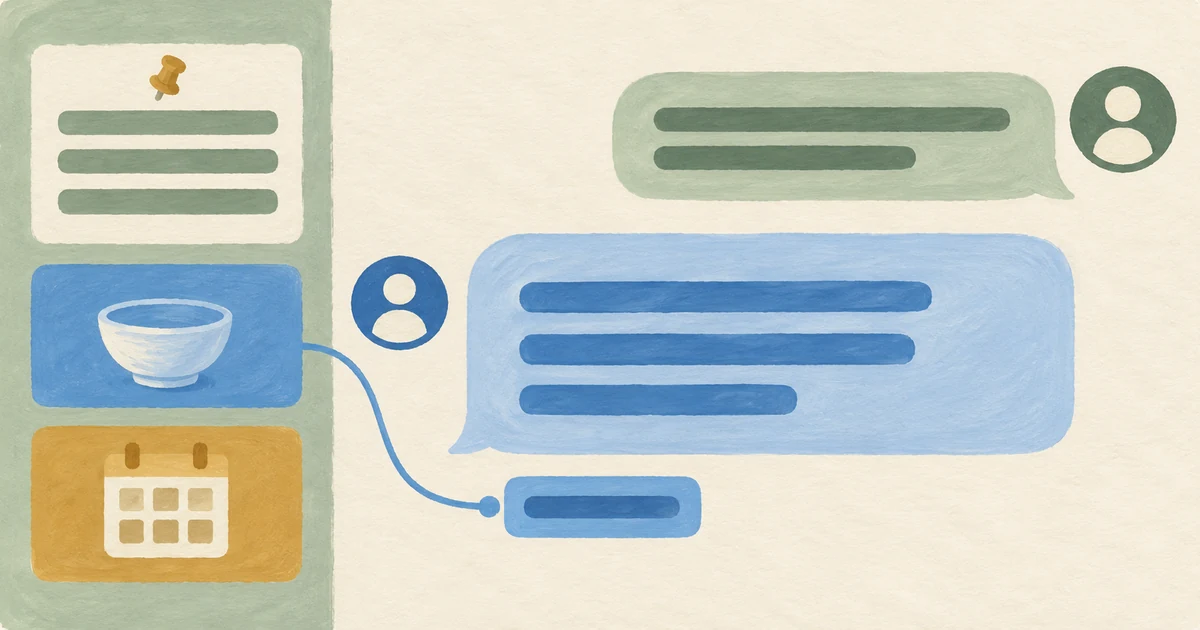 4 min read
Custom GPTs and Claude Projects: reusable assistants with knowledge files
A practical guide to deciding whether a repeated task belongs in a reusable, file-backed assistant, then building and testing one with an explicit privacy boundary.
Beginner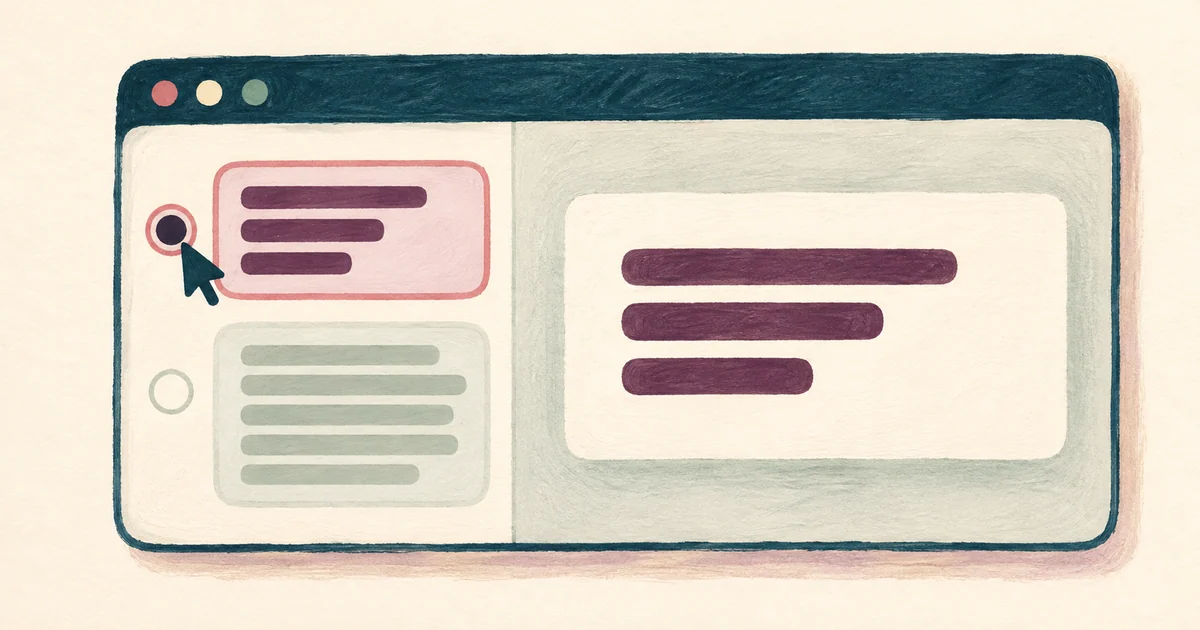 4 min read
Custom instructions and memory: useful defaults, reviewed context
Configure stable, non-sensitive defaults and memory controls, then review what is retained and override stale context when the task changes.
Beginner 4 min read
Deep Research mode: frame the question and audit the sources
Deep Research: the multi-step web research mode in ChatGPT, Gemini, Claude, Perplexity, and similar tools: can return a cited, structured report after a longer autonomous run. A practical guide to framing questions, auditing sources, and knowing when not to use it.
Beginner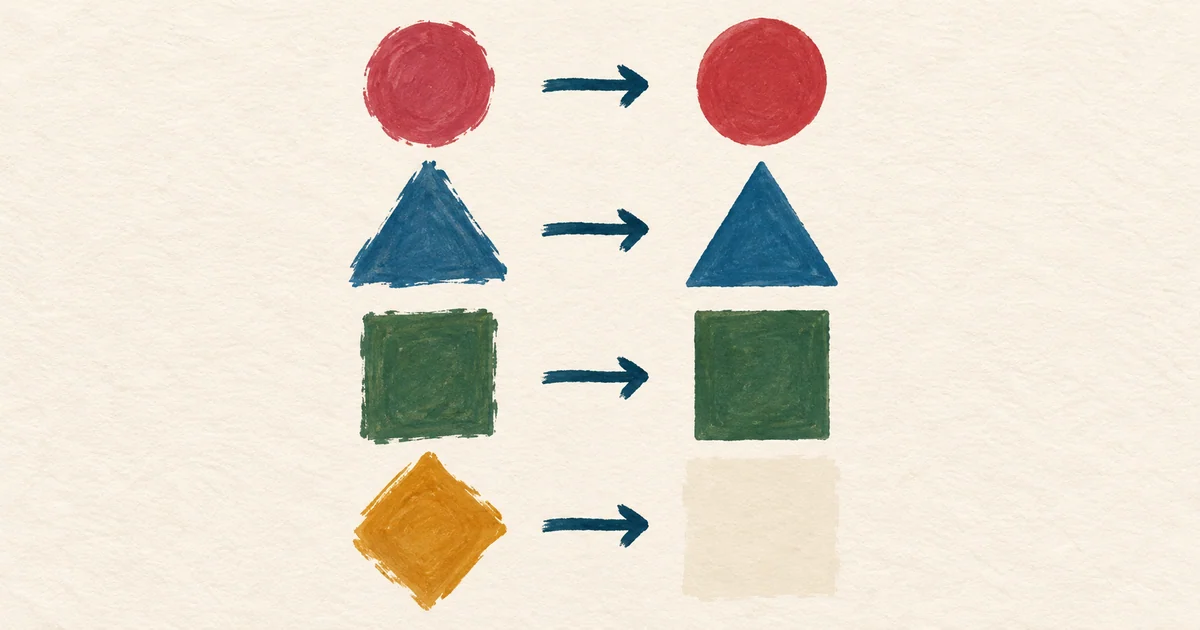 3 min read
Few-shot prompting: steer output by example
When a description leaves room for interpretation, show the model representative input-output examples and test whether they improve consistency on your task.
Beginner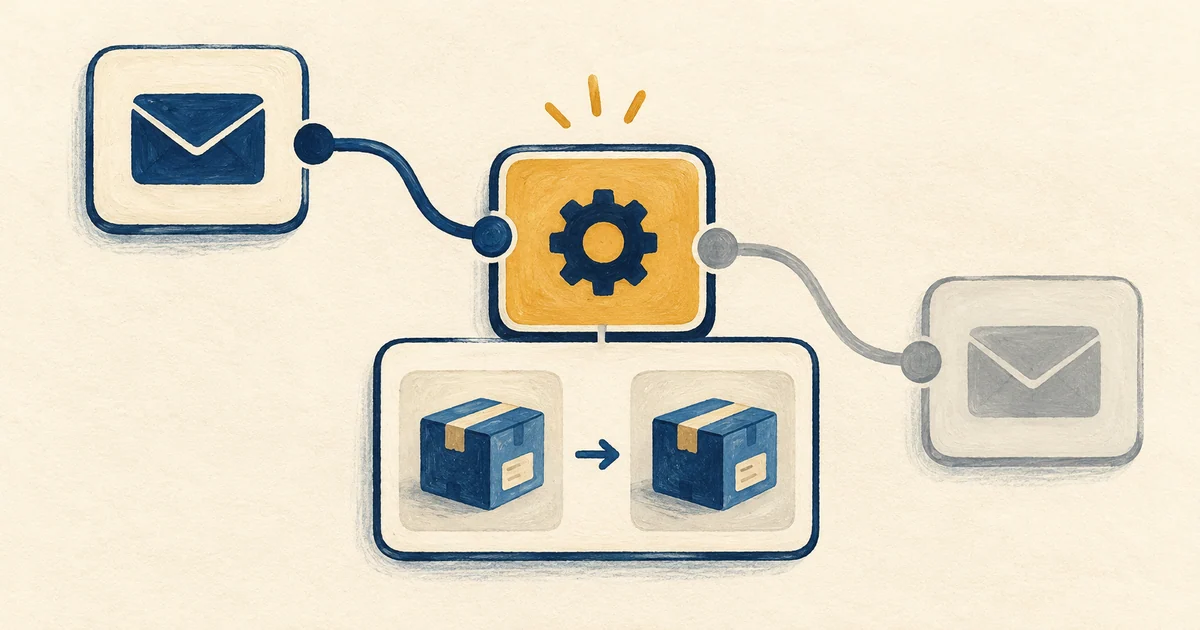 4 min read
Build and Validate a Small Zapier AI Automation
Build a low-consequence Zapier workflow with test data, visible failures, source links, and a human review gate before it handles real content.
Beginner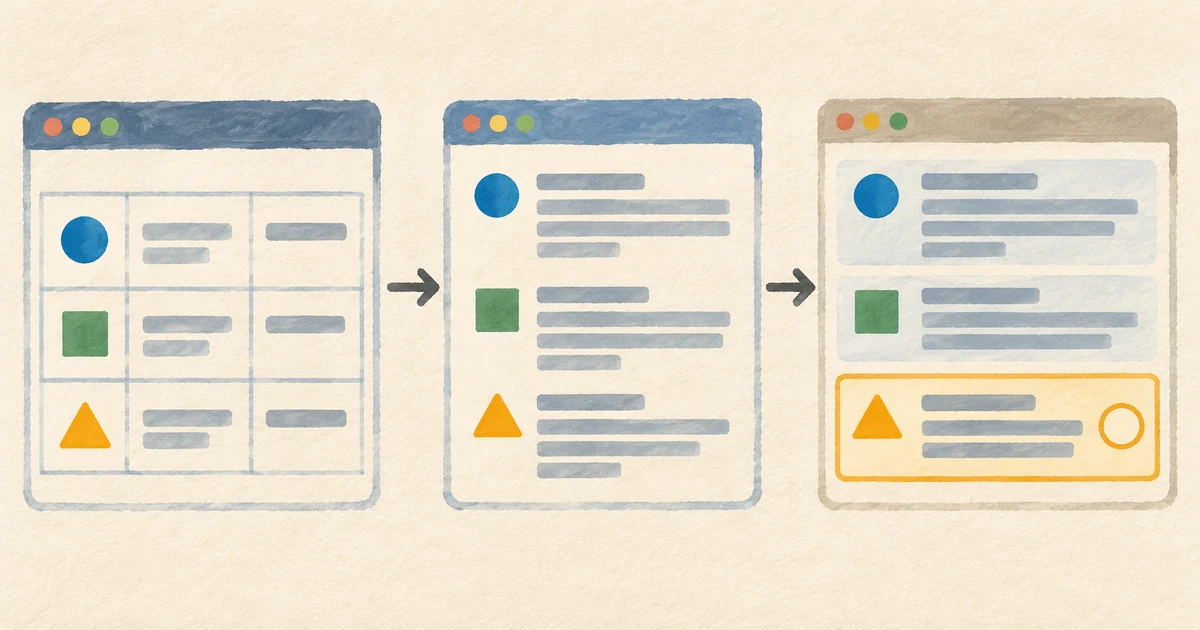 9 min read
Multi-tool AI workflows: design reliable handoffs across tools
A practical framework for combining research, document grounding, drafting, critique, analysis, and storage while preserving provenance, privacy, and review.
Intermediate 4 min read
NotebookLM and Gemini Notebook: build a source-grounded research notebook
Build a focused NotebookLM collection, ask source-grounded questions, and verify the cited passage before relying on an answer.
Beginner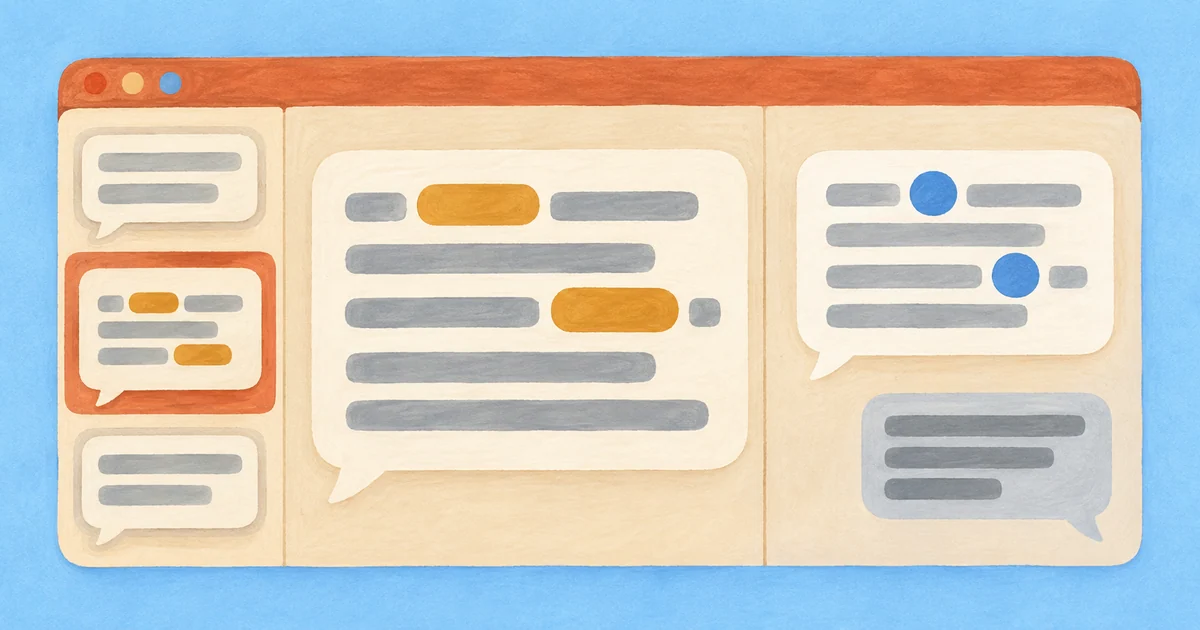 7 min read
Building reusable prompt libraries: from snippets to shared templates
When the same AI-assisted task recurs, a prompt library can make the workflow easier to reproduce and evaluate. A practical system for capturing, testing, versioning, and sharing templates.
Intermediate 8 min read
Stop prompting once: the iterative conversation method
A practical workflow for improving a promising first response through critique, narrowing, pivots, stress tests, and verification instead of restarting by default.
Beginner 4 min read
Ten prompt patterns for everyday knowledge work
Ten reusable prompt shapes for drafting, critique, analysis, rehearsal, and structured output, with a validation habit for each kind of work.
Beginner 4 min read
Writing with AI without sounding like AI
AI-assisted drafts often fall into generic patterns. Use six editing checks to recover specificity and rhythm without pretending that style alone proves who wrote the text.
Beginner 3 min read
Your first hour with ChatGPT: finish and check one task
A first session built around one short draft, a focused revision and a source check, with privacy controls before real material.
New to AI 37 minutes
I Tried AI as a Life Coach for 365 Days - Here's What I Learned
Ali Abdaal. Lays out related challenge prompts ("give me the steelman counterargument," "give me a scathing critique"), explanatory theories, and the Solomon method (have the AI play your 90-year-old self). It also names boundaries around mental health and accountability, matching the article's use of generated advice as one input rather than a decision.
Beginner 13 minutes
How to Use Copilot to Automate Meeting Notes in Microsoft Teams!
Scott Brant. A product-specific Copilot walkthrough alongside the article's permission and verification framework: enable transcription, ask Copilot questions live, get an audio recap and a Word minutes document afterwards, and pull action items out into a follow-up workflow. Scott Brant is a Microsoft 365 educator who does this every week, and the demo is on a real meeting rather than a contrived one.
Beginner 4 minutes
How To Use Otter AI To Transcribe Audio - Features and Overview
Elegant Themes. Short overview of Otter as a standalone transcriber for people who don't live in Teams — Otter Pilot joining meetings on your behalf, calendar/Zoom integration, file uploads, and the free tier limits. Useful as a four-minute orientation to another capture product, subject to the article's account, data and review checks.
Beginner 23 minutes
How I Turned ChatGPT Into My Personal Assistant
AI Edge. The title is louder than the content. Underneath it is a calm tour of using a long-running ChatGPT thread for meal planning, calendar/booking work, errand triage, and trip prep — exactly the unglamorous "life admin" jobs the article covers. The "external memory" idea at the end (a small Google Doc the assistant reads back into each session) is the practical fix for the most common beginner complaint: "it keeps forgetting what I told it last week."
New to AI 90 minutes
The Ultimate Guide to Writing with AI
David Perell. Perell's chapter list includes writing with LLMs at 40:28, thinking with LLMs at 52:14 and writing with your voice at 1:21:32. Use those sections as a workflow example and compare suggestions with the article's bounded editing checks.
New to AI 18 minutes
This NotebookLM + Perplexity Workflow Will Cut Your Research Time by 50% (or More)
Grace Leung. A more practical two-tool workflow: Perplexity for finding the documents and citations, NotebookLM for actually reading and synthesising them. Useful if your "long document" problem is really a "long stack of documents" problem — market research, regulatory filings, multi-source reports.
New to AI 26 minutes
How to Use NotebookLM (Google's AI "Tool for Understanding")
Tiago Forte. Tiago Forte, the Building a Second Brain creator, demonstrates summarising meeting notes, querying long PDFs and source grounding in NotebookLM. This is a product-specific example alongside the article's tool-neutral verification workflow. Source grounding does not replace checking quotes, missing sections and qualifications in the original.
New to AI 11 minutes
4 ChatGPT Hacks that Cut My Workload in Half
Jeff Su. The creator lists a "Red Team Technique" chapter at 06:06 about asking AI to critique its output. Try a bounded critique of tone or clarity on fictional or explicitly approved facts. Treat proposed reactions as hypotheses, not evidence about a real recipient.
New to AI 22 minutes
AI For Data Analysis In 21 Minutes
Tina Huang. Tina puts Perplexity's Deep Research and ChatGPT/Claude analysis modes in the context of a working analyst's day — pulling together market signals, exploratory data analysis, and structured outputs. Useful as the "what else is this good for besides academic literature reviews" companion to the primary pick.
Beginner 14 minutes
How to Use ChatGPT's Deep Research to Save HOURS on Research
Andy Stapleton. Stapleton runs Deep Research against the exact use case it shines at — a literature review with a clear scope, time frame, and structure — and shows the clarifying-questions handshake, the 10-minute wait, the 40-source output, and where the citations and tone still need a human pass. Calls out the limits honestly (no BibTeX export, occasionally too generous in source choice).
Beginner 30 minutes
AI Tools You'll Use Everyday (And How To Use Them)
Matt Wolfe. Matt explains the stack he used when recording the video and why he assigned particular writing, research, transcription, capture, and image tasks to particular products. That makes the video a useful case study in task routing, provided you treat its product choices as dated examples rather than current defaults.
Intermediate 14 minutes
101 Ways To Use AI In Your Daily Life
Tina Huang. The video offers a catalogue of use cases across ChatGPT, Claude, Gemini, and Perplexity. It can help you identify candidate workflow stages, but its product mappings are hypotheses to test rather than evidence that one tool is the best route.
Intermediate 28 minutes
35+ INSANE Ways To Use NotebookLM (For FREE)
Matt Wolfe. Once you understand the basics, this is the right second video. Matt runs through a long list of less obvious uses — turning a book into a study guide, briefing yourself on a competitor from their content, generating mind maps from a folder of PDFs — that help you see how flexible the "grounded notebook" frame actually is.
Beginner 35 minutes
How To Master NotebookLM in 2026 (Free Course)
Paul J Lipsky. A clean three-step framing — curate sources, ask the right questions, produce final outputs — that maps almost one-to-one onto how the article tells you to think about NotebookLM. Recent enough (early 2026) to match the current UI, including Studio, audio overviews, and mind maps.
Beginner90 minutesThe Ultimate Guide to Writing with AI
David Perell. Perell teaches writing for a living and walks through how he actually drafts with LLMs without the output reading as AI — what he uses the model for (research, structuring, surfacing his own thinking), what he refuses to delegate (voice, taste, opinions), and the specific moves he uses to keep his prose his. Sits just under the 100K-view bar but earns its place because the topic is genuinely niche and this is the most thoughtful long-form take on it.
Beginner