

Meetings & Notes
Transcripts, summaries, action items, briefings, and follow-up notes that people can use.
8 stories (3 articles · 5 videos)
Start here
A few good first pieces before you browse the full feed.
 7 min read
AI for meetings: transcripts, summaries, and action items
A realistic workflow for capturing meetings with AI: choose an approved data path, review the transcript, and turn explicit evidence into decisions and follow-ups.
Beginner 10 min read
Building an always-on briefing or newsletter with AI
Build an automated daily or weekly briefing with traceable sources, permission-aware collection, explicit quality checks, and a maintenance loop.
IntermediateMore in this topic
 8 min read
NotebookLM: Build a Source-Grounded Research Notebook
Build a focused NotebookLM collection, ask source-grounded questions, and verify the cited passage before relying on an answer.
Beginner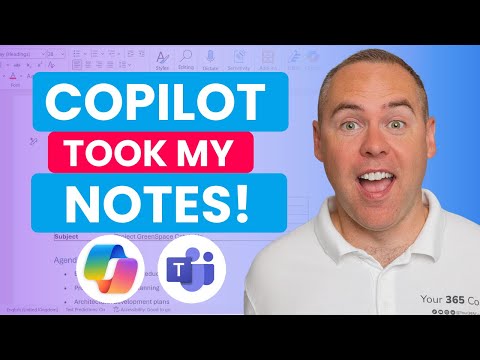 13 minutes
How to Use Copilot to Automate Meeting Notes in Microsoft Teams!
Scott Brant. A clean, end-to-end walkthrough of what the article describes: enable transcription, ask Copilot questions live, get an audio recap and a Word minutes document afterwards, and pull action items out into a follow-up workflow. Scott Brant is a Microsoft 365 educator who does this every week, and the demo is on a real meeting rather than a contrived one.
Beginner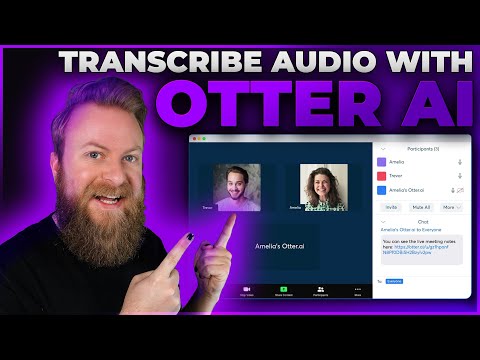 4 minutes
How To Use Otter AI To Transcribe Audio - Features and Overview
Elegant Themes. Short overview of Otter as a standalone transcriber for people who don't live in Teams — Otter Pilot joining meetings on your behalf, calendar/Zoom integration, file uploads, and the free tier limits. Useful as a four-minute orientation before deciding which of the article's tools you want to actually try.
Beginner 23 minutes
I Built a Team of Research Agents for Newsletter Automation in n8n (No Code)
Nate Herk | AI Automation. Walks through a sequential multi-agent newsletter pipeline in n8n — planner, researchers, editor, headline writer — that takes a topic and audience as input and ships a sourced newsletter out the other end. The view count sits below the usual 100k bar, but on this niche (no-code multi-agent newsletter builds) it is the cleanest, most complete tutorial currently on YouTube and maps directly onto the briefing pattern in the article.
Intermediate 28 minutes
35+ INSANE Ways To Use NotebookLM (For FREE)
Matt Wolfe. Once you understand the basics, this is the right second video. Matt runs through a long list of less obvious uses — turning a book into a study guide, briefing yourself on a competitor from their content, generating mind maps from a folder of PDFs — that help you see how flexible the "grounded notebook" frame actually is.
Beginner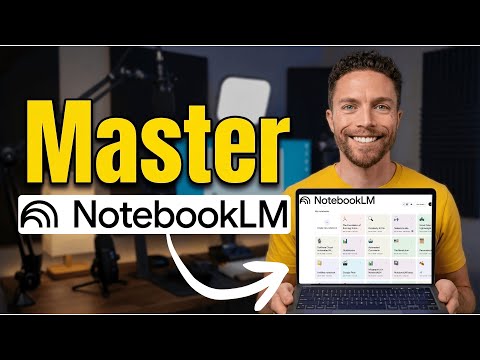 35 minutes
How To Master NotebookLM in 2026 (Free Course)
Paul J Lipsky. A clean three-step framing — curate sources, ask the right questions, produce final outputs — that maps almost one-to-one onto how the article tells you to think about NotebookLM. Recent enough (early 2026) to match the current UI, including Studio, audio overviews, and mind maps.
Beginner