

 48 minutes
What AI Image Generator Should YOU Be Using??
Compare image generators by task fit, failure modes and cost instead of memorizing a fixed ranking.
BeginnerNo-code AI Tools
Tina Huang. Tina puts Perplexity's Deep Research and ChatGPT/Claude analysis modes in the context of a working analyst's day — pulling together market signals, exploratory data analysis, and structured outputs. Useful as the "what else is this good for besides academic literature reviews" companion to the primary pick.
Watch for tool boundaries: research, data analysis and presentation generation are different jobs. Validate numbers, sources and assumptions before turning an AI-produced analysis into a business recommendation.
See deep research and analysis modes applied to business research rather than only academic literature.
Basic spreadsheet or market-research comfort.
Last reviewed: May 18, 2026
Continue through the same learning path with the next curated companion videos.
48 minutesCompare image generators by task fit, failure modes and cost instead of memorizing a fixed ranking.
 16 minutes
Understand the main AI-audio workflow categories: narration, speech-to-speech, voice design and cloning.
 12 minutes
Build a small reusable assistant with instructions, knowledge files and access settings.
Hand-picked external courses that go deeper on this topic.
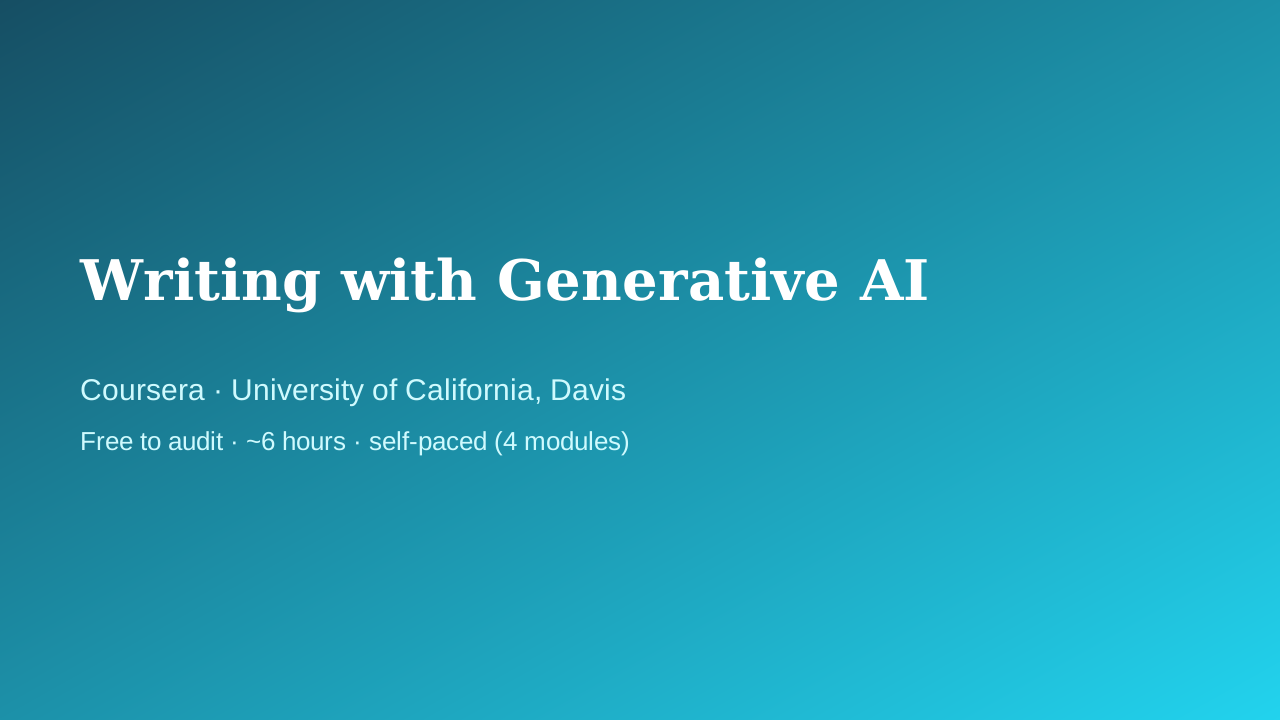 Coursera · University of California, Davis
UC Davis Continuing and Professional Education faculty
Fills the writing/productivity vertical with something better than a prompt-pack listicle: a university course that treats AI-assisted writing as a craft — audience, purpose, and tone come before the prompt, and a full module is devoted to intellectual-property and ethics questions that most 'write faster with ChatGPT' courses skip entirely.
 Coursera · Google
The most pragmatic, workplace-flavoured first course. Where Andrew Ng's "AI for Everyone" gives you the mental model, Google's course shows you what to actually do tomorrow morning — speeding up everyday tasks, drafting, brainstorming. Zero coding, five short modules including a vital chapter on responsible use.
 Coursera · Google Cloud
A fast, official, no-cost path to using Gemini inside Gmail, Docs, Sheets, Slides, Meet, and Drive. Thirty minutes is honest about the scope — this is an orientation, not mastery — which is exactly right for someone who just got Gemini turned on in their inbox and wants to know where to start.