48 分
48 分どのAI画像生成ツールを選ぶべきか?
固定された順位を暗記するのではなく、タスクへの適合性、失敗の傾向、コストに基づいて画像生成ツールを比較できます。
初心者ノーコードAIツール
Tina Huang. Tinaは、PerplexityのDeep ResearchとChatGPT/Claudeの分析モードを、実務に携わるアナリストの1日の中に位置付けています。市場シグナルの収集、探索的データ分析、構造化された出力の作成を扱っています。最もおすすめの動画を補完し、「学術文献のレビュー以外に何に役立つのか」を理解するのに有用です。
ツールの境界に注意してください。調査、データ分析、プレゼンテーションの作成は、それぞれ異なる仕事です。AIが生成した分析をビジネス上の提案にする前に、数値、情報源、前提を検証してください。
Deep Researchと分析モードが、学術文献だけでなくビジネス調査に応用される様子を確認できます。
スプレッドシートまたは市場調査の基本的な知識が必要です。
最終確認日:2026年5月18日
同じ学習パスで次のキュレーション済みの補完動画を続けて視聴してください。
このトピックについてさらに詳しく学べる、厳選された外部コースです。
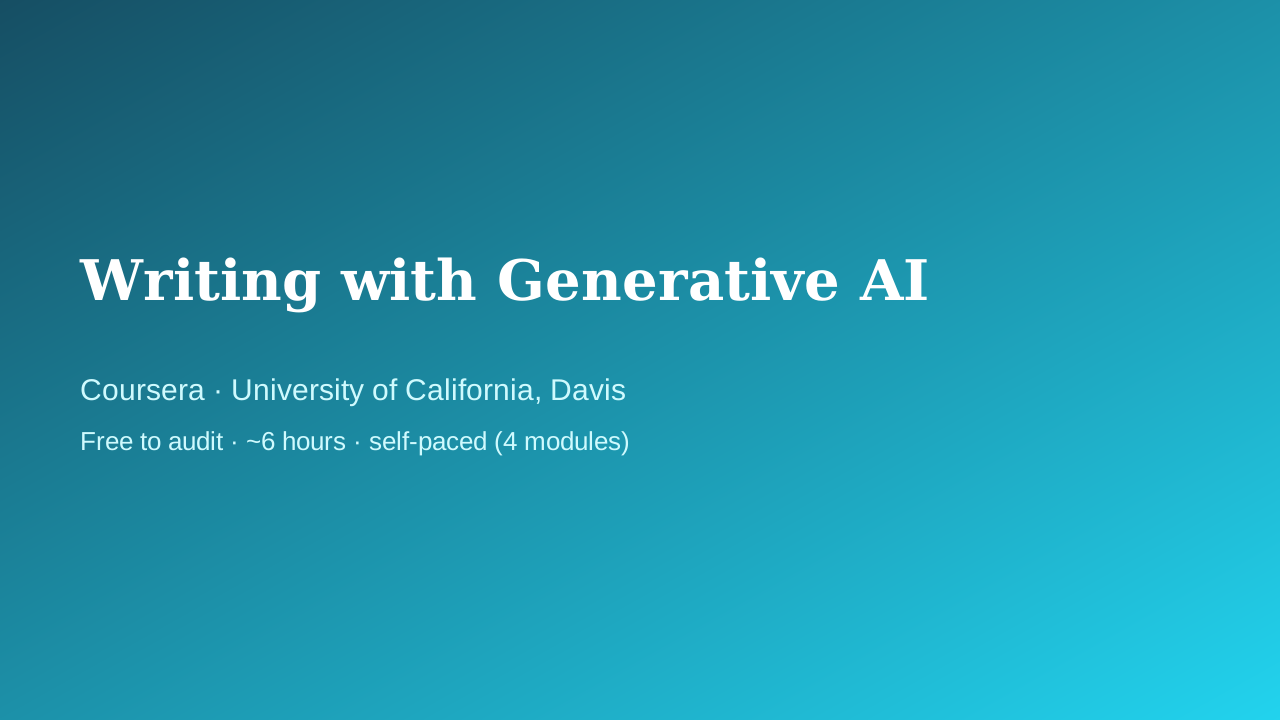 Coursera · University of California, Davis
UC Davis Continuing and Professional Education faculty
Fills the writing/productivity vertical with something better than a prompt-pack listicle: a university course that treats AI-assisted writing as a craft — audience, purpose, and tone come before the prompt, and a full module is devoted to intellectual-property and ethics questions that most 'write faster with ChatGPT' courses skip entirely.
 Coursera · Google
実務を意識した、最も実践的な最初の講座です。Andrew Ngの「AI for Everyone」が基本的な考え方を示すのに対し、Googleの講座では、日常業務の効率化、下書き、ブレインストーミングなど、明日の朝から実際に何をすべきかを学べます。コーディングは一切不要で、責任ある利用に関する重要な章を含む5つの短いモジュールで構成されています。
 Coursera · Google Cloud
A fast, official, no-cost path to using Gemini inside Gmail, Docs, Sheets, Slides, Meet, and Drive. Thirty minutes is honest about the scope — this is an orientation, not mastery — which is exactly right for someone who just got Gemini turned on in their inbox and wants to know where to start.