

 48 minutes
What AI Image Generator Should YOU Be Using??
Compare image generators by task fit, failure modes and cost instead of memorizing a fixed ranking.
BeginnerNo-code AI Tools
Andy Stapleton. Stapleton runs Deep Research against the exact use case it shines at — a literature review with a clear scope, time frame, and structure — and shows the clarifying-questions handshake, the 10-minute wait, the 40-source output, and where the citations and tone still need a human pass. Calls out the limits honestly (no BibTeX export, occasionally too generous in source choice).
Deep-research products change quickly across ChatGPT, Gemini, Perplexity and Claude. Keep the workflow discipline: ask for scope, inspect sources, check missing viewpoints and rewrite conclusions yourself.
Scope a deep-research task, wait for the report, then verify citations and source quality before using it.
A research question where source quality matters and enough domain knowledge to reject weak references.
Last reviewed: May 18, 2026
Continue through the same learning path with the next curated companion videos.
48 minutesCompare image generators by task fit, failure modes and cost instead of memorizing a fixed ranking.
 16 minutes
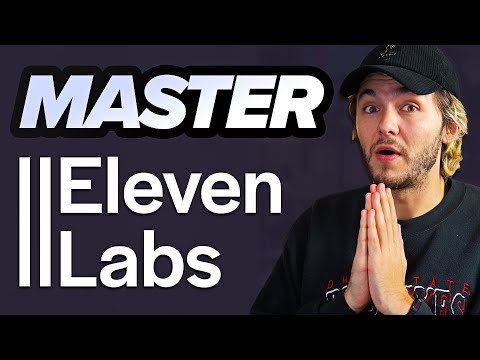
Understand the main AI-audio workflow categories: narration, speech-to-speech, voice design and cloning.
 12 minutes
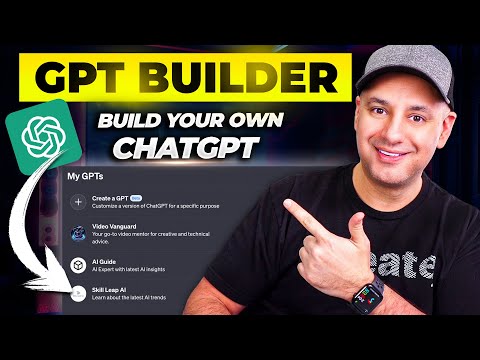
Build a small reusable assistant with instructions, knowledge files and access settings.
Hand-picked external courses that go deeper on this topic.
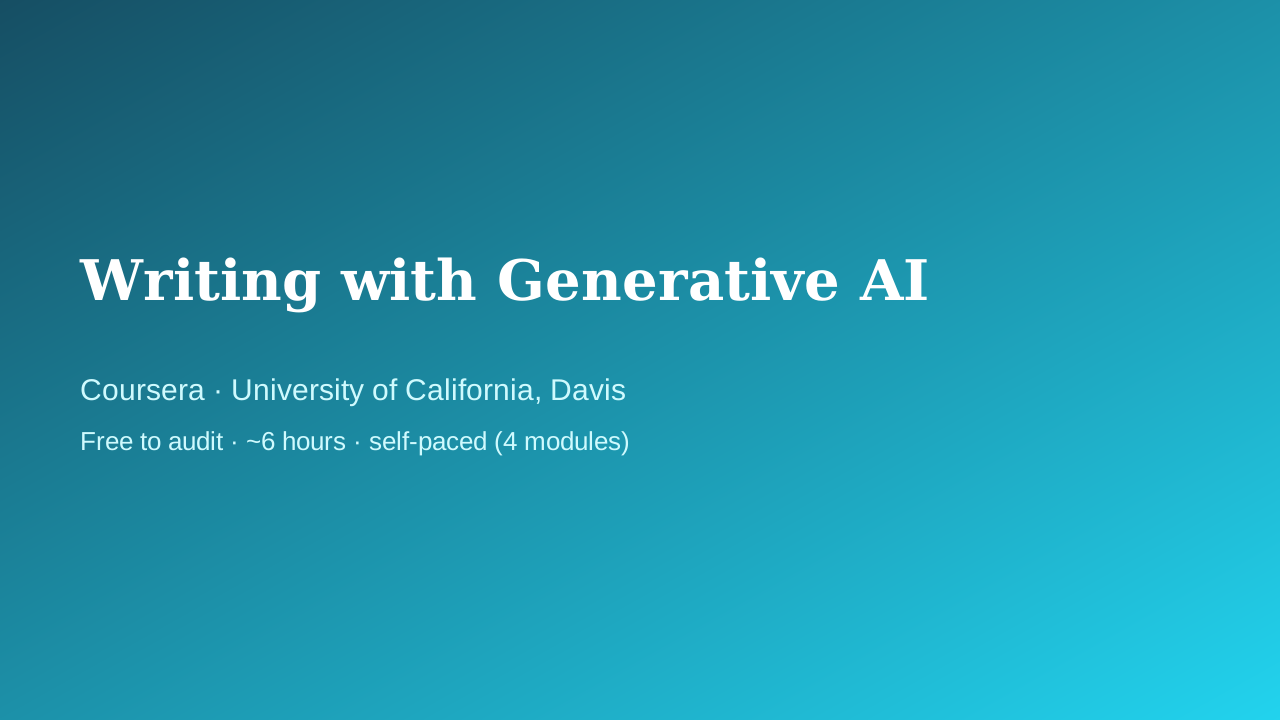 Coursera · University of California, Davis
UC Davis Continuing and Professional Education faculty
Fills the writing/productivity vertical with something better than a prompt-pack listicle: a university course that treats AI-assisted writing as a craft — audience, purpose, and tone come before the prompt, and a full module is devoted to intellectual-property and ethics questions that most 'write faster with ChatGPT' courses skip entirely.
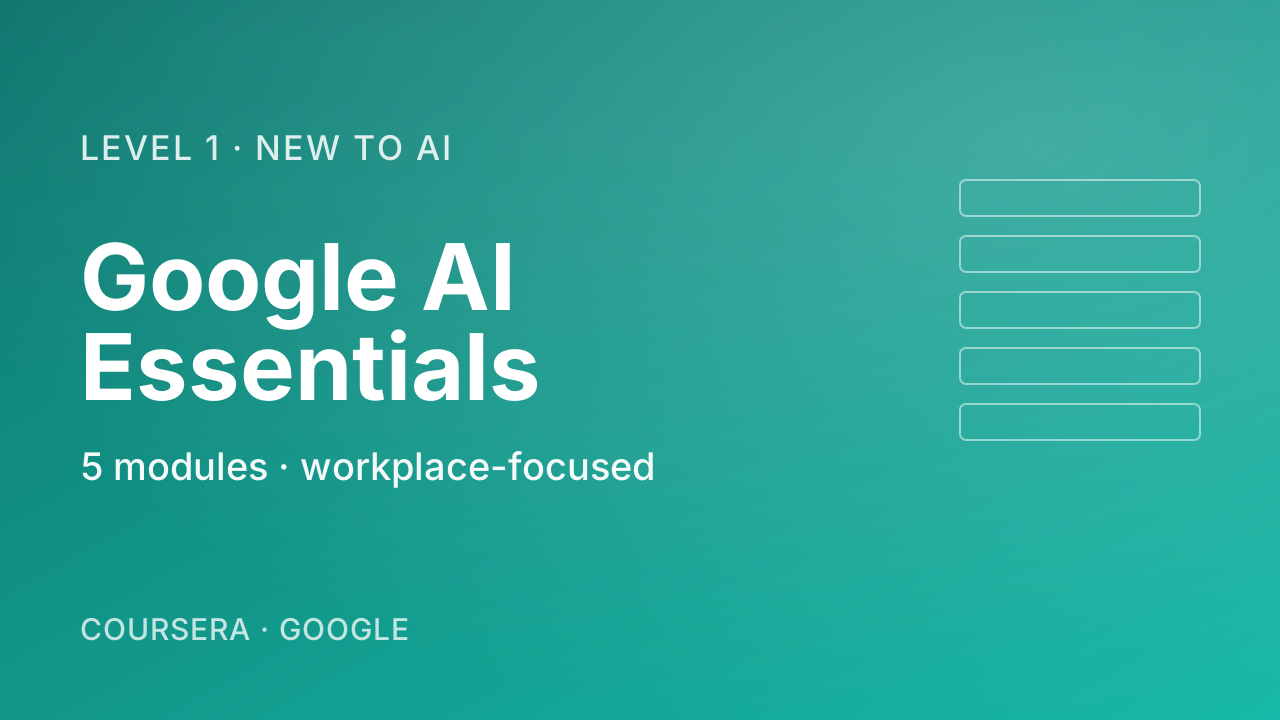 Coursera · Google
The most pragmatic, workplace-flavoured first course. Where Andrew Ng's "AI for Everyone" gives you the mental model, Google's course shows you what to actually do tomorrow morning — speeding up everyday tasks, drafting, brainstorming. Zero coding, five short modules including a vital chapter on responsible use.
 Coursera · Google Cloud
A fast, official, no-cost path to using Gemini inside Gmail, Docs, Sheets, Slides, Meet, and Drive. Thirty minutes is honest about the scope — this is an orientation, not mastery — which is exactly right for someone who just got Gemini turned on in their inbox and wants to know where to start.