25 minutes
Prompting 101
You can layer role, structured sections and explicit thinking steps into a prompt without turning chain-of-thought into a ritual.
IntermediatePrompt Engineering
Tina Huang. The video offers a catalogue of use cases across ChatGPT, Claude, Gemini, and Perplexity. It can help you identify candidate workflow stages, but its product mappings are hypotheses to test rather than evidence that one tool is the best route.
Note which examples would cross tool boundaries in your own work, what source or permission metadata each handoff would need, and whether a second tool adds a measurable benefit.
Turn several use-case ideas into candidate stages that you can test against the article's capability and handoff criteria.
None; treat it as an idea catalogue rather than a current buying guide.
Last reviewed: Aug 11, 2026
Continue through the same learning path with the next curated companion videos.
25 minutesYou can layer role, structured sections and explicit thinking steps into a prompt without turning chain-of-thought into a ritual.
 28 minutes
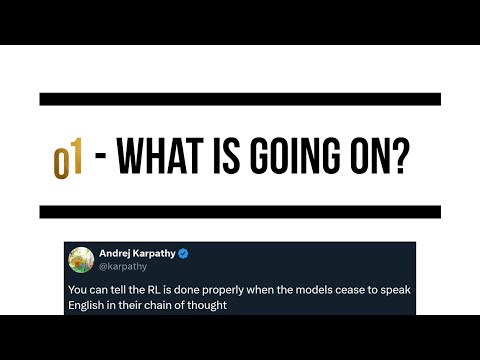
Understand one historical account of o1, then compare a direct task specification with other supported prompt variants on your current model and workload.
 10 minutes
Choose an automation platform based on hosting, AI-agent fit, integrations and maintenance tradeoffs instead of product hype.
Hand-picked external courses that go deeper on this topic.