

 17 minutes
12-Factor Agents: Patterns of reliable LLM applications — Dex Horthy, HumanLayer
Learn how to design AI workflows that can pause, resume, ask for human judgment and keep business state separate from model guesses.
IntermediateAutomations
Advanced techniques — agents, automation, local AI, and workflow orchestration.
42 results
Nothing matches these filtersTry a different category or level, or clear the filters to see everything.
17 minutesLearn how to design AI workflows that can pause, resume, ask for human judgment and keep business state separate from model guesses.
 18 minutes
See how approval gates can be implemented as explicit workflow checkpoints rather than informal manual review after something goes wrong.
 32 minutes
Learn how to introduce AI into localization without removing human ownership of meaning, tone, terminology and final approval.
 4 minutes
Understand why multilingual embeddings matter for private internal search and where local retrieval can reduce data-exposure risk.
 66 minutes
See the full beginner workflow for building a small Cursor project, including setup, prompting, debugging, basic Git and the limits of AI-assisted coding.
 5 minutes
You can name the three guardrails to set before letting AI write code for you, and know why each one prevents a specific failure.
 31 minutes
See how an n8n support workflow drafts retrieval-backed replies and proposes knowledge-base updates, then identify the controls needed before production use.
 231 minutes
See how a support agent combines retrieval, escalation and workflow tools before production hardening.
 24 minutes
Design a marketing workflow where AI drafts and routes work, but humans keep control over strategy, brand voice and publishing.
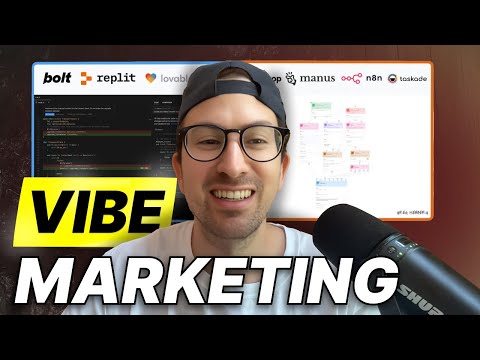 30 minutes
Map the current marketing-tool landscape before deciding which workflows deserve automation.
 26 minutes
Evaluate where voice agents might fit sales workflows and where disclosure, consent and escalation become blockers.
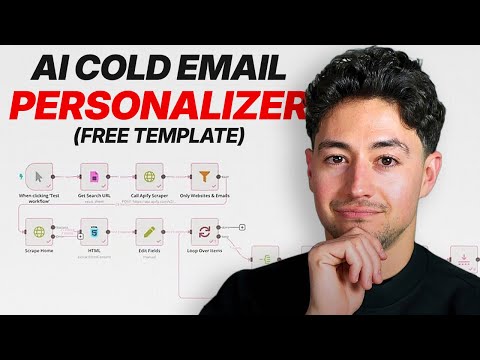 30 minutes
Understand the data-enrichment and personalization pipeline behind AI-assisted outbound without confusing automation with quality.
 23 minutes
Study a multi-agent newsletter pipeline and identify where sources, approval and failure handling belong.
 24 minutes
Recognize the browser-agent action loop, where it helps, and where human confirmation is still required.
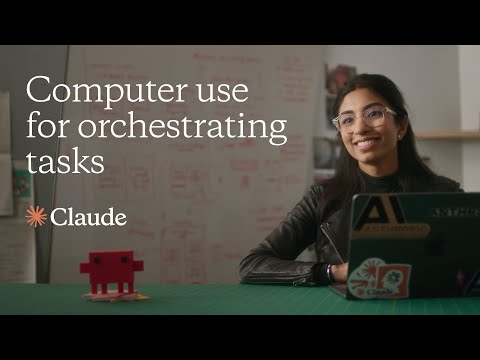 2 minutes
Compare desktop computer-use behavior with browser-only agents.
 11 minutes
Identify the source-selection, question, generated-artefact, and citation-inspection stages in a hosted document assistant.
 26 minutes
Observe a source-based notebook workflow and identify the retrieval, citation, provenance, and permission checks needed before relying on it.
 29 minutes
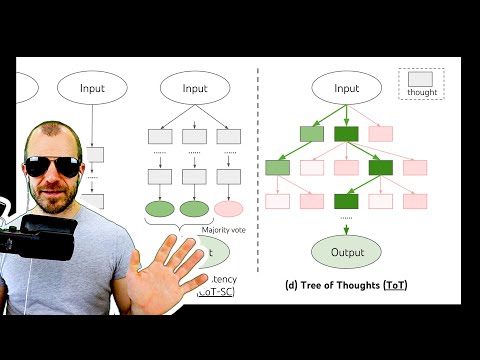
Understand generate-score-prune reasoning patterns and when they are too expensive for real work.
 25 minutes
You can layer role, structured sections and explicit thinking steps into a prompt without turning chain-of-thought into a ritual.
 69 minutes
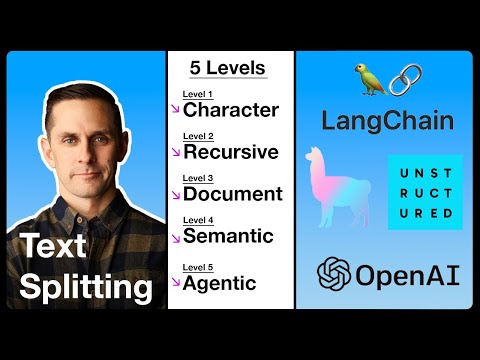
Build intuition for chunking choices before tuning a real retrieval system.
 24 minutes
See how query rewriting, hybrid retrieval, reranking and corrective loops fit into one RAG pipeline.
 25 minutes
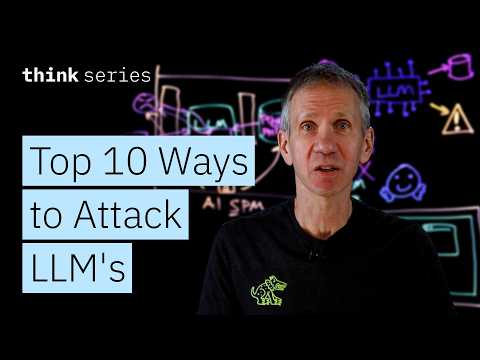
Use the OWASP LLM risk categories to review tool access, output handling and sensitive-data exposure.
 11 minutes
Distinguish direct and indirect prompt injection and why filtering alone is not enough.
 107 minutes
Learn the product-builder eval loop: inspect traces, label failures, define criteria, test changes and compare against human judgment.
 3 minutes
See the smallest no-code version of a repeatable prompt eval.
 26 minutes
Build a first n8n AI-agent workflow while recognizing where tool access, memory and guardrails belong.
 92 minutes
Extend a simple agent into multi-step workflows with memory, error handling and realistic business integrations.
 14 minutes
Install a local model runner, pull a small model and understand the privacy/performance tradeoff before using it for real work.
 6 minutes
Try local AI through a GUI and compare small-model behavior with hosted frontier models.
 20 minutes
Understand the protocol roles: host, client, server, tools, resources, prompts and transports.
 16 minutes
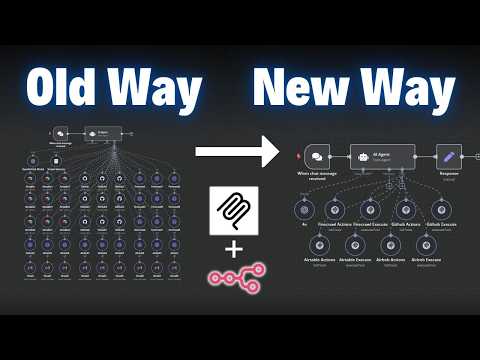
Explain what MCP changes in plain language and decide whether a tool connection should use MCP or a simpler integration.
 19 minutes
Compare flagship, lite, mid-tier and specialized models so routing decisions are based on task fit, cost and latency instead of brand preference.
 9 minutes
Evaluate model-routing tradeoffs between quality, cost and reliability before adding orchestration complexity.
 30 minutes
Identify distinct workflow stages and create testable tool-selection criteria for each one.
 14 minutes
Turn several use-case ideas into candidate stages that you can test against the article's capability and handoff criteria.
 10 minutes
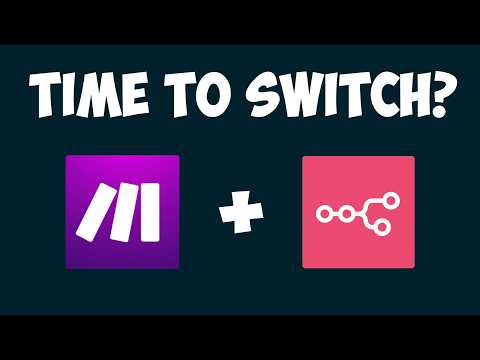
Choose an automation platform based on hosting, AI-agent fit, integrations and maintenance tradeoffs instead of product hype.
 3 minutes
See the original o1 launch framing and separate that historical account from current implementation guidance.
 28 minutes
Understand one historical account of o1, then compare a direct task specification with other supported prompt variants on your current model and workload.
 10 minutes
Evaluate C.R.A.F.T. as one candidate structure for generating prompts, using representative cases and explicit acceptance criteria.
 20 minutes
Extract a candidate prompt structure, then add ownership, versioning, evaluation, limits and fallback fields before review.
 8 minutes
Use multiple AI future scenarios to plan adoption without betting the company on one forecast.
 60 minutes
Frame AI adoption around workflow change, capability building and realistic organizational risk.