25 minutes
Prompting 101
You can layer role, structured sections and explicit thinking steps into a prompt without turning chain-of-thought into a ritual.
IntermediatePrompt Engineering
Matt Wolfe. Matt explains the stack he used when recording the video and why he assigned particular writing, research, transcription, capture, and image tasks to particular products. That makes the video a useful case study in task routing, provided you treat its product choices as dated examples rather than current defaults.
Tool line-ups age quickly. Copy the habit of explaining each routing decision, then re-check current capabilities, account controls, and data terms before applying the stack to your own work.
Identify distinct workflow stages and create testable tool-selection criteria for each one.
Some hands-on experience with AI tools helps because this is a workflow case study, not a product setup lesson.
Last reviewed: Aug 11, 2026
Continue through the same learning path with the next curated companion videos.
25 minutesYou can layer role, structured sections and explicit thinking steps into a prompt without turning chain-of-thought into a ritual.
 28 minutes
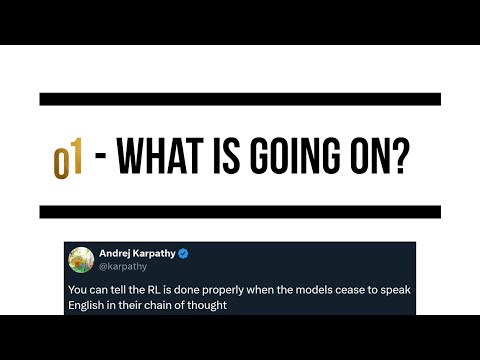
Understand one historical account of o1, then compare a direct task specification with other supported prompt variants on your current model and workload.
 10 minutes
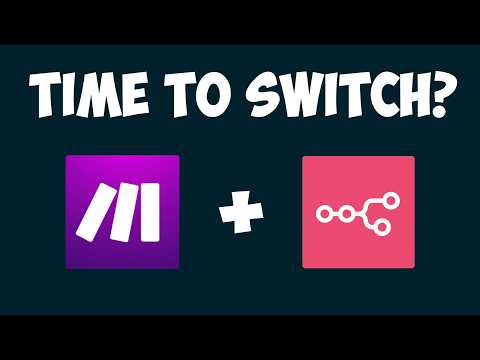
Choose an automation platform based on hosting, AI-agent fit, integrations and maintenance tradeoffs instead of product hype.
Hand-picked external courses that go deeper on this topic.