

 22 minutes
How to learn to code FAST using ChatGPT (it's a game changer seriously)
Generate a realistic study plan from your goal, schedule and constraints, then adapt it as you learn.
BeginnerAI Productivity
Ali Abdaal. Lays out related challenge prompts ("give me the steelman counterargument," "give me a scathing critique"), explanatory theories, and the Solomon method (have the AI play your 90-year-old self). It also names boundaries around mental health and accountability, matching the article's use of generated advice as one input rather than a decision.
He's candid about where AI stopped being useful — mental health and accountability — and that boundary is as much the point as the prompts; it matches the article's thinking-partner-not-oracle framing.
Use AI to challenge assumptions, compare options and surface counterarguments before making decisions.
None — bring a decision you're actually wrestling with.
Last reviewed: Aug 11, 2026
Continue through the same learning path with the next curated companion videos.
22 minutesGenerate a realistic study plan from your goal, schedule and constraints, then adapt it as you learn.
 13 minutes
You can name the three risk surfaces generative AI adds at work — data, model, usage — and describe the controls each one needs.
 17 minutes
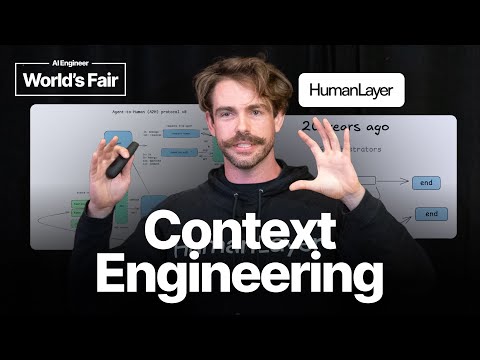
Learn how to design AI workflows that can pause, resume, ask for human judgment and keep business state separate from model guesses.
Hand-picked external courses that go deeper on this topic.
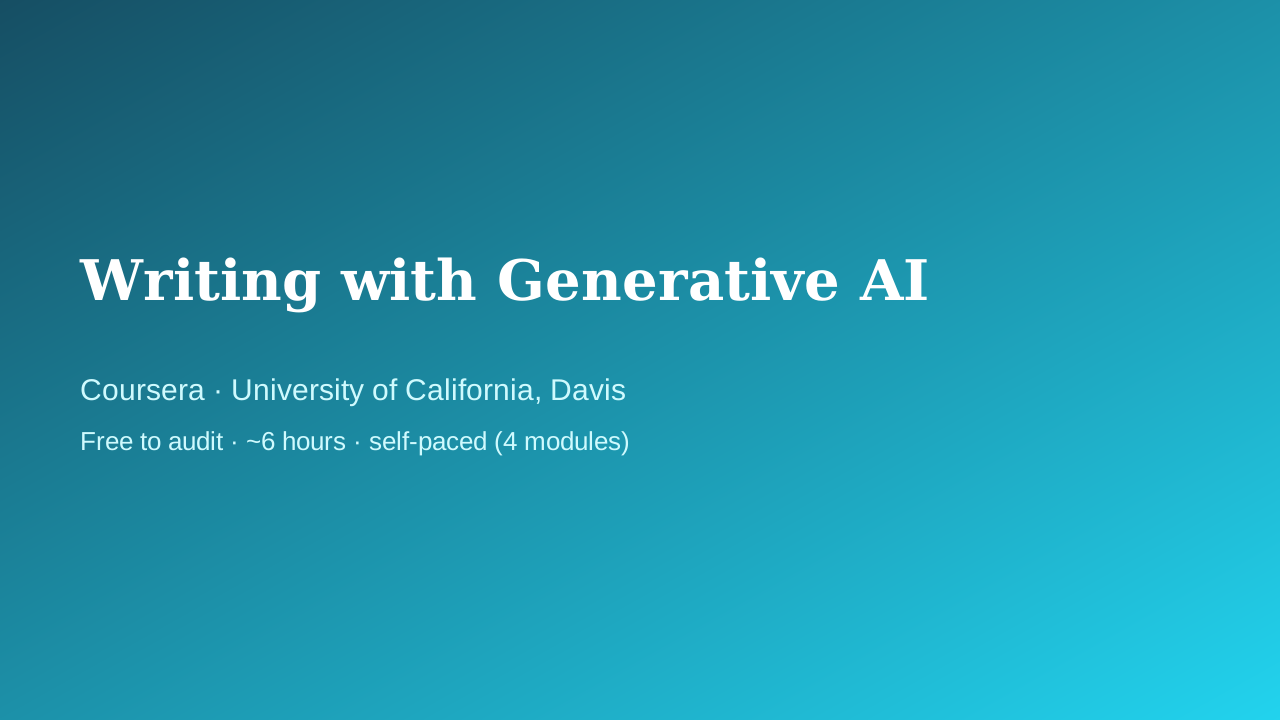 Coursera · University of California, Davis
UC Davis Continuing and Professional Education faculty
Fills the writing/productivity vertical with something better than a prompt-pack listicle: a university course that treats AI-assisted writing as a craft — audience, purpose, and tone come before the prompt, and a full module is devoted to intellectual-property and ethics questions that most 'write faster with ChatGPT' courses skip entirely.
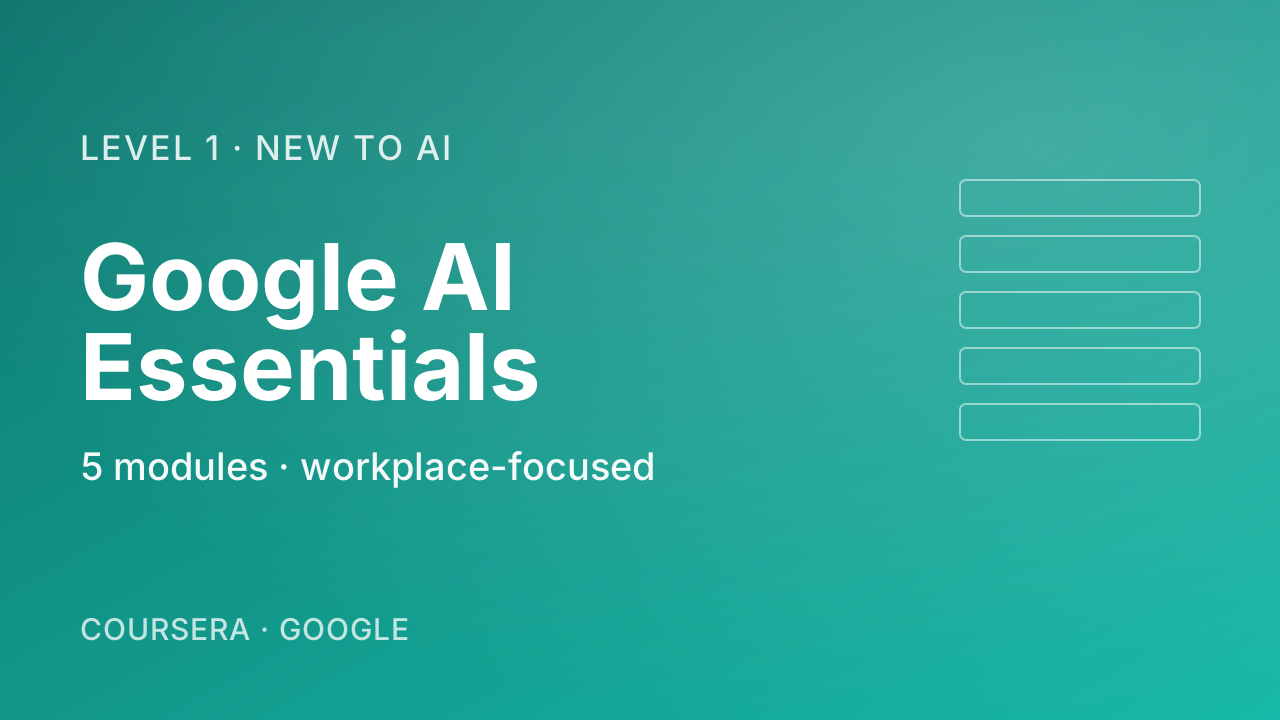 Coursera · Google
The most pragmatic, workplace-flavoured first course. Where Andrew Ng's "AI for Everyone" gives you the mental model, Google's course shows you what to actually do tomorrow morning — speeding up everyday tasks, drafting, brainstorming. Zero coding, five short modules including a vital chapter on responsible use.
 Coursera · Google Cloud
A fast, official, no-cost path to using Gemini inside Gmail, Docs, Sheets, Slides, Meet, and Drive. Thirty minutes is honest about the scope — this is an orientation, not mastery — which is exactly right for someone who just got Gemini turned on in their inbox and wants to know where to start.