90 分钟
AI写作终极指南
使用AI辅助研究、搭建结构和修订,同时由人掌控最终措辞和判断。
初级AI效率
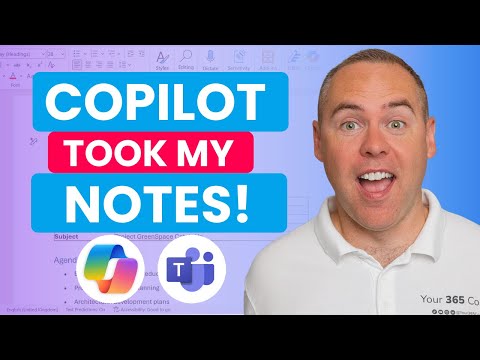 播放视频
Scott Brant. Microsoft 365中Copilot的产品示例补充了文章的权限与核查框架。请先依据原始材料检查转录、摘要和建议行动,再分发或创建任务。
Teams菜单会不断调整,因此具体点击步骤可能很快过时;视频所演示的转录、回顾和行动项闭环才是经久适用的部分。
设计一套会议工作流程,在保留人工审核的同时,获取转录文本、摘要和行动项。
能够使用配备Copilot的Microsoft Teams;如果无法使用,请关注工作流程的整体形态,而不是具体按钮。
最后审核:2026年5月18日
通过相同的视频学习路径,继续观看下一个精选配套视频。
精选的外部课程,帮助您更深入地了解该主题。
 Coursera · University of California, Davis
UC Davis Continuing and Professional Education faculty
Fills the writing/productivity vertical with something better than a prompt-pack listicle: a university course that treats AI-assisted writing as a craft — audience, purpose, and tone come before the prompt, and a full module is devoted to intellectual-property and ethics questions that most 'write faster with ChatGPT' courses skip entirely.
 Coursera · Google
这是最务实、最贴近职场的入门课程。Andrew Ng的“AI for Everyone”帮助你建立思维模型,而Google的课程则告诉你明天早上具体可以做什么——加快日常任务、起草内容和开展头脑风暴。无需任何编程基础,包含五个简短模块,其中有一章至关重要的负责任使用内容。
 Coursera · Google Cloud
A fast, official, no-cost path to using Gemini inside Gmail, Docs, Sheets, Slides, Meet, and Drive. Thirty minutes is honest about the scope — this is an orientation, not mastery — which is exactly right for someone who just got Gemini turned on in their inbox and wants to know where to start.