

 69 minutes
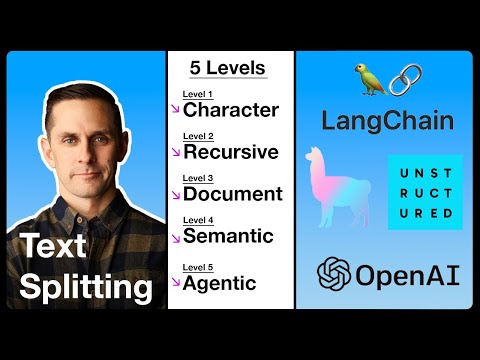
The 5 Levels Of Text Splitting For Retrieval
Build intuition for chunking choices before tuning a real retrieval system.
IntermediateNo-code AI Tools
Tiago Forte. Tiago Forte, author of _Building a Second Brain_, demonstrates the product then called NotebookLM with notes, PDFs, and clippings. The useful pattern is selecting a bounded source set, asking document questions, inspecting linked passages, and deciding how the resulting artefacts fit into an existing knowledge workflow.
The durable lesson is inspecting source support, not the old NotebookLM interface or a guarantee of grounding. Before using Gemini Notebook with workplace or client material, confirm that the specific account, sharing, retention, training, region, and source controls are approved, and verify that cited passages support the answer.
Observe a source-based notebook workflow and identify the retrieval, citation, provenance, and permission checks needed before relying on it.
Have a small set of notes, PDFs or transcripts you are allowed to upload to a third-party tool.
Last reviewed: Aug 11, 2026
Continue through the same learning path with the next curated companion videos.
69 minutesBuild intuition for chunking choices before tuning a real retrieval system.
 16 minutes
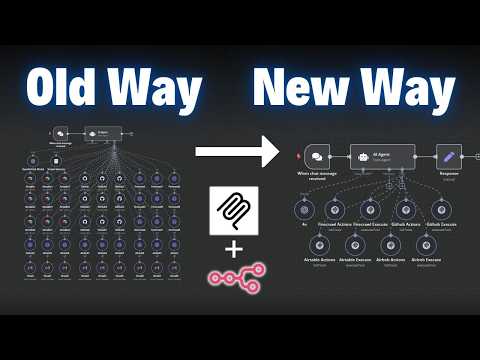
Explain what MCP changes in plain language and decide whether a tool connection should use MCP or a simpler integration.
 66 minutes
See the full beginner workflow for building a small Cursor project, including setup, prompting, debugging, basic Git and the limits of AI-assisted coding.