15 分钟
15 分钟ChatGPT Plus值得订阅吗?我的2025年最新评估
根据你当前的工作量判断ChatGPT付费方案是否有用,而不是购买听起来最令人印象深刻的档位。
AI新手ChatGPT与大语言模型
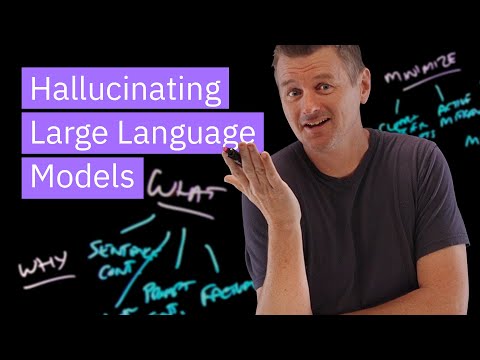
Tina Huang. Tina Huang将一百多种日常AI使用场景分为生产力、日常生活、学习、职业和人际关系几类;尤其重要的是,她快速演示了每一种场景,并展示实际的提示词或操作界面。除了文章中的七个示例外,如果你想了解“向ChatGPT提问”实际还可以是什么样子,又不想听完一门40分钟的课程,这是最高效的方式。
把它当作创意菜单,而不是待办清单——和文章一样,重点是再选择三四个使用场景,融入你自己的日常习惯。
选择几个低风险的日常AI任务来测试提示词,并将结果与你自己的判断进行比较。
无——可以直接观看。
最后审核:2026年5月18日
通过相同的视频学习路径,继续观看下一个精选配套视频。
精选的外部课程,帮助您更深入地了解该主题。
 Coursera · Google
这是最务实、最贴近职场的入门课程。Andrew Ng的“AI for Everyone”帮助你建立思维模型,而Google的课程则告诉你明天早上具体可以做什么——加快日常任务、起草内容和开展头脑风暴。无需任何编程基础,包含五个简短模块,其中有一章至关重要的负责任使用内容。
 Coursera · Google Cloud
A fast, official, no-cost path to using Gemini inside Gmail, Docs, Sheets, Slides, Meet, and Drive. Thirty minutes is honest about the scope — this is an orientation, not mastery — which is exactly right for someone who just got Gemini turned on in their inbox and wants to know where to start.
 Microsoft Learn
Microsoft Learn
A direct answer to 'how do I actually use Copilot at work': Microsoft's own free learning path walks through real Copilot workflows in Word, Excel, PowerPoint, Teams, and Outlook rather than abstract AI theory — exactly the on-ramp an office worker with a Microsoft 365 subscription needs.