

 14 minutes
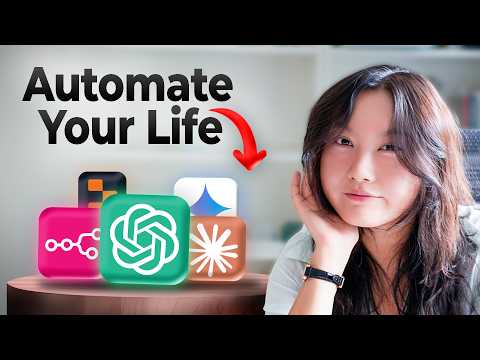
101 Ways To Use AI In Your Daily Life
Choose a few low-risk everyday AI tasks and test prompts by comparing the result to your own judgment.
New to AIAI Productivity
Matt Wolfe. Recorded in late 2025, so the screens still look like the screens you'll see today. The first third — plan comparison, account setup, dialling in your settings — is exactly the click-by-click ground the article covers, and the back half (projects, canvas, files, branching) gives you a preview of what's actually behind each menu item before you go exploring.
Use the walkthrough for orientation, not as a permanent map of ChatGPT. Plans, settings, memory surfaces, file handling and model names can change; re-check current account controls before uploading anything sensitive.
Get oriented inside ChatGPT without treating every new sidebar item as something you must master on day one.
None beyond a ChatGPT account and a few low-risk personal examples to try.
Last reviewed: May 18, 2026
Continue through the same learning path with the next curated companion videos.
14 minutesChoose a few low-risk everyday AI tasks and test prompts by comparing the result to your own judgment.
 15 minutes
Decide whether a paid ChatGPT plan is useful for your current workload instead of buying the most impressive-sounding tier.
 19 minutes
Understand the product and model-family landscape well enough to choose one starting tool and stop endlessly comparing tabs.
Hand-picked external courses that go deeper on this topic.
 Coursera · Google Cloud
Google Cloud
Google's own answer to 'what is generative AI, actually' — the non-technical counterpart to Elements of AI, aimed explicitly at sales, HR, marketing, and operations roles rather than engineers. Forty-five minutes to a real mental model of how generative AI differs from classic machine learning, with no code and no jargon.
 Coursera · DeepLearning.AI
Andrew Ng
Real time inside an LLM, learning to prompt deliberately and recognise where generative AI is genuinely useful versus where it's a trap. Calm, no-hype teaching — the perfect bridge from "I've tried ChatGPT once" to "I use it every day with confidence."