

Companion videos

Custom GPTs and Claude Projects — companion videos

The article covers how to stop pasting the same context into every chat by setting up a reusable assistant once — either as a Custom GPT in ChatGPT or a Project in Claude. The two picks below give you a hands-on tour of each side: building a Custom GPT end-to-end, and seeing how Projects change a real writing-and-analysis workflow.

Primary pick

12:16
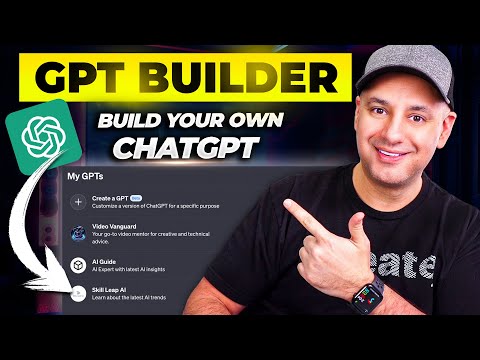
How To Create Custom GPTs - Build your own ChatGPT

Skill Leap AI

Walks through the GPT builder exactly the way the article describes — name and description, conversation starters, instructions, knowledge files, capabilities, and access settings. Uses a real example (an AI knowledge assistant fed with the creator's own scripts) so you see what good knowledge-file content looks like in practice.

What you should get from this: Build a small reusable assistant with instructions, knowledge files and access settings.

Watch or know first: Have a non-sensitive example corpus and know who should be allowed to use the assistant.

AI Expert note: Builder UI, capabilities and sharing controls drift. Before using Custom GPTs at work, define data ownership, review uploaded files, disable unnecessary capabilities and test prompt-injection behavior against the knowledge base.

Open video page

Also worth watching

12:44
I Switched 50% of My AI Work to Claude, Here's Why

Jeff Su

The Claude Projects chapter (starts around 04:46) is the clearest short explanation on YouTube of project-level vs chat-level context — illustrated with a product marketing example where one project document feeds many chats with different briefs. Pairs naturally with the article's argument that Projects and Custom GPTs solve the same problem in slightly different shapes.

What you should get from this: Understand project-level context and when it is a better fit than repeating the same background in every chat.

Watch or know first: Know the difference between an account-wide preference, a project instruction and a single-chat prompt.

AI Expert note: Claude Projects are useful for bounded context, but product limits and enterprise controls change. Use approved documents, avoid mixing clients in one project, and confirm retention/sharing settings before team rollout.

Open video page