

 35 minutes
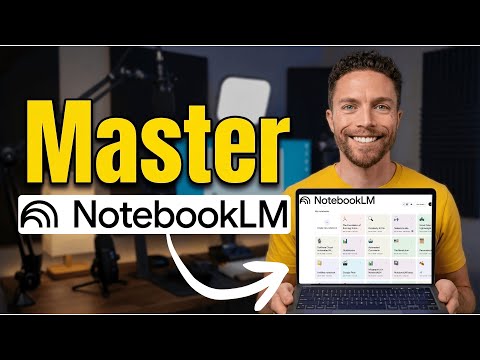
How To Master NotebookLM in 2026 (Free Course)
Build a source-grounded research notebook and turn it into briefings, study guides or working notes.
BeginnerAI Productivity
Leila Gharani. Older (early 2023) but still the cleanest worked example of pasting a real Excel question into ChatGPT, getting a SUMPRODUCT-or-conditional-formatting answer back, and then iterating with the model when the first formula doesn't quite fit. The model has improved a lot; the prompting workflow she shows is the same one you'll use today.
From early 2023, so the ChatGPT screens look dated — the paste-question, iterate-on-formula workflow she demonstrates is unchanged, which is why it stays.
Use ChatGPT to explain formulas and iterate on spreadsheet logic while verifying every result in Excel.
Basic Excel comfort; no AI experience needed.
Last reviewed: May 18, 2026
Continue through the same learning path with the next curated companion videos.
35 minutesBuild a source-grounded research notebook and turn it into briefings, study guides or working notes.
 14 minutes
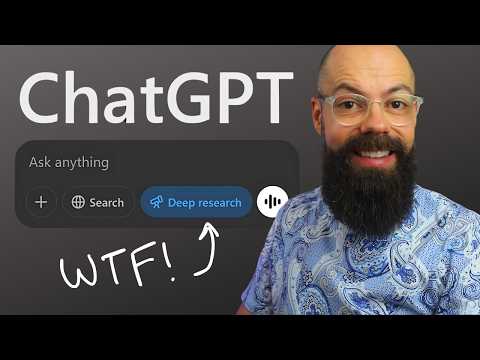
Scope a deep-research task, wait for the report, then verify citations and source quality before using it.
 48 minutes
Compare image generators by task fit, failure modes and cost instead of memorizing a fixed ranking.
Hand-picked external courses that go deeper on this topic.
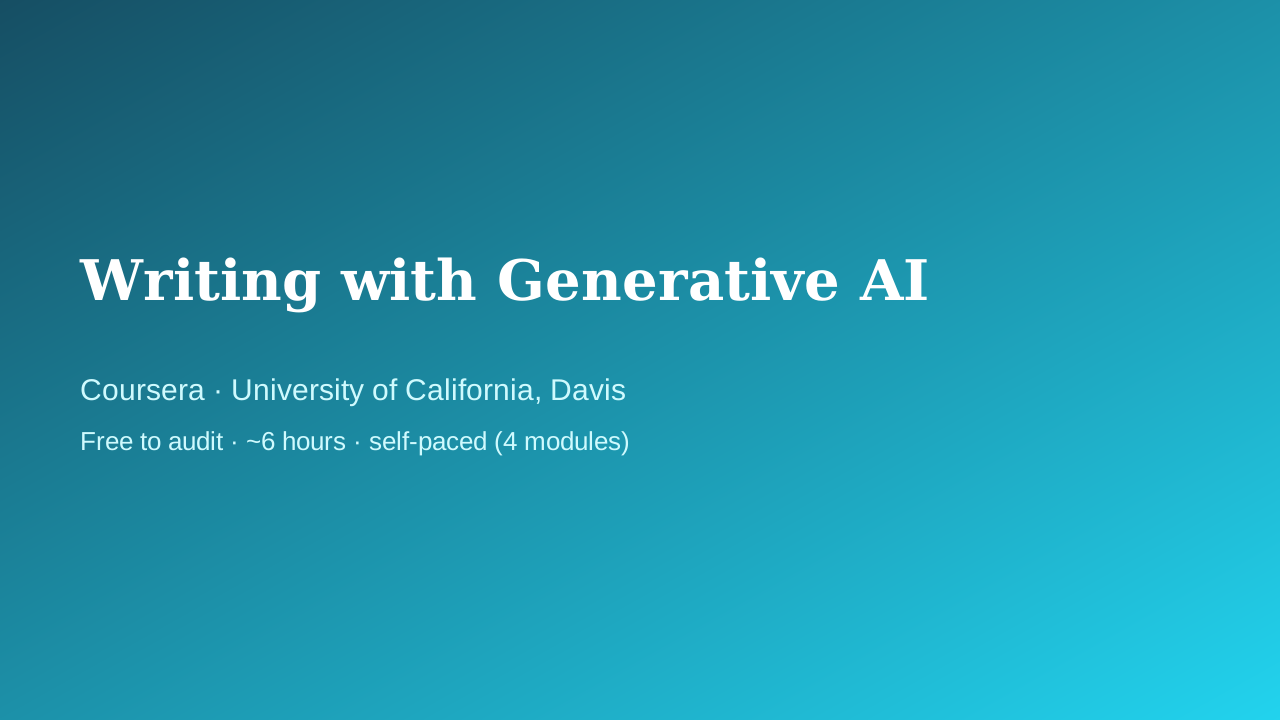 Coursera · University of California, Davis
UC Davis Continuing and Professional Education faculty
Fills the writing/productivity vertical with something better than a prompt-pack listicle: a university course that treats AI-assisted writing as a craft — audience, purpose, and tone come before the prompt, and a full module is devoted to intellectual-property and ethics questions that most 'write faster with ChatGPT' courses skip entirely.
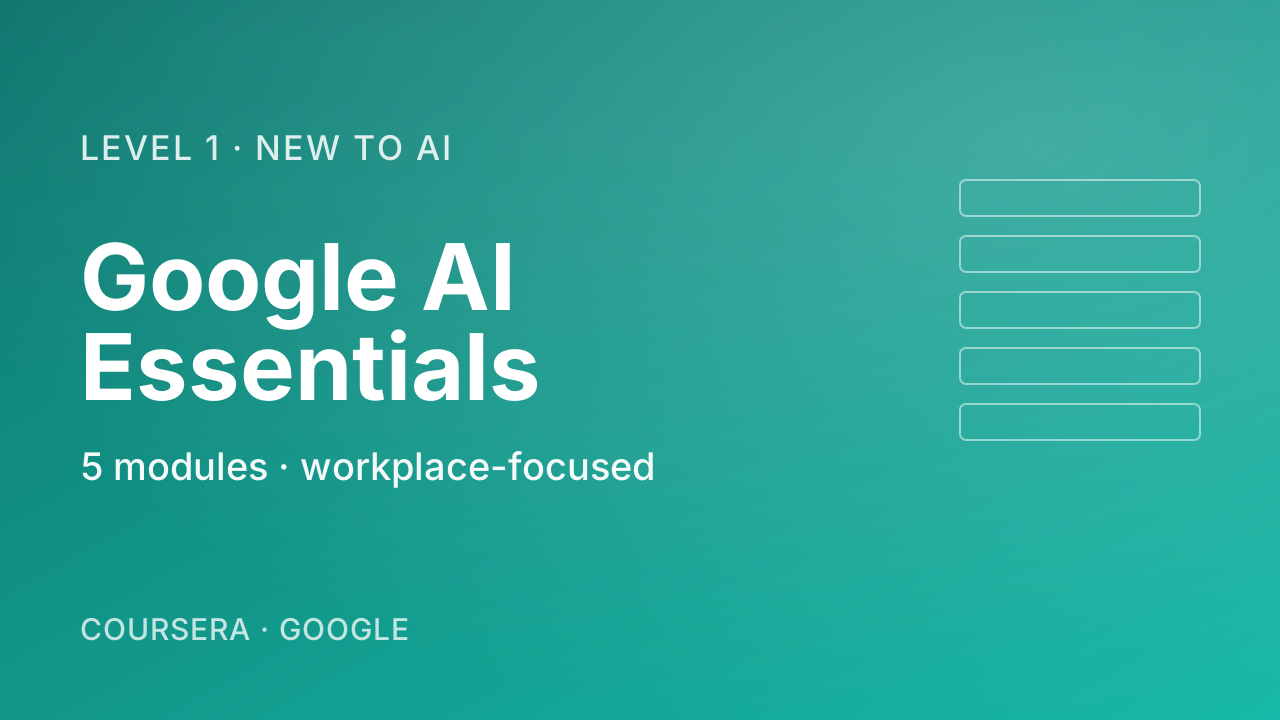 Coursera · Google
The most pragmatic, workplace-flavoured first course. Where Andrew Ng's "AI for Everyone" gives you the mental model, Google's course shows you what to actually do tomorrow morning — speeding up everyday tasks, drafting, brainstorming. Zero coding, five short modules including a vital chapter on responsible use.
 Coursera · Google Cloud
A fast, official, no-cost path to using Gemini inside Gmail, Docs, Sheets, Slides, Meet, and Drive. Thirty minutes is honest about the scope — this is an orientation, not mastery — which is exactly right for someone who just got Gemini turned on in their inbox and wants to know where to start.