The failure mode for a new Hermes install is predictable: enable every toolset, connect a busy messaging channel, let memory fill with noise, and then wonder why the agent “did something weird.” Week one should feel boring on purpose. You want a working gateway, a small curated memory, one skill that earns its place, bounded file writes, and a disabled or isolated terminal with tested approvals and deny rules.
This guide assumes you already know what Hermes is (/articles/hermes-agent-what-it-is). Use the official quickstart and installation guide for your operating system. Commands and UI labels change, so verify them against the current docs on the day you install.
Do not connect production email, CRM write access, or an unrestricted shell on day one. Start local or on a throwaway profile with read-mostly tools. Disable outbound sends and shell access, or isolate the terminal and test its approval and deny behavior before use.
Day 0–1: install, doctor, smoke test
- Install through a documented path such as the CLI, Docker, or Desktop, following the official installation guide.
- Configure a model provider you already use or a local OpenAI-compatible endpoint. Hermes currently requires at least 64,000 tokens of context for agent use with tools. Confirm the context window and tool-calling configuration at the model server, not only that its URL responds (provider documentation).
- Run
hermes doctor, then inspect the output rather than treating the command’s existence as proof that every integration works. - Open a single CLI chat session. Ask for a harmless task: summarize a public README you control, or draft a paragraph. Confirm tool calls you expect; disable ones you do not.
Success criteria for day one: you can start a session, get a reply from the configured model, confirm at least 64,000 tokens of usable context, and list which tools are enabled. Verify listening sockets and bind addresses separately. “Nothing listens publicly” is true only if every enabled gateway, API-server, webhook, dashboard, and model-server surface is disabled or bound to an intended private or loopback interface.
Keep a short run log: install method, model endpoint, enabled toolsets, and whether the gateway is local-only. When something breaks after an update, that log saves hours.
Memory hygiene: what belongs in USER.md and MEMORY.md
Hermes built-in memory is bounded and curated. The memory documentation describes USER.md and MEMORY.md under ~/.hermes/memories/, injected as a frozen snapshot at session start, with a memory tool for add, replace, and remove. Give each concurrently running agent its own Hermes home or profile; two agent processes must not write to the same home. Optional external providers listed in the memory-provider documentation are additive to built-in memory.
Put in USER.md (stable identity and preferences):
- How you want to be addressed; languages you use for work
- Default tone (direct, no filler; Estonian/English mix rules if relevant)
- Tools and systems you use by name (Linear, Notion, GitHub org shorthand)
- Hard constraints (“never commit,” “never email customers,” “ask before shell”)
Put in MEMORY.md (durable working facts):
- Project layout notes that stay true for months
- Recurring process quirks (“staging DB is read-only from this host”)
- Definitions the agent keeps getting wrong (severity labels, product names)
Keep out of both:
- API keys, tokens, passwords, recovery codes
- Full customer tickets, HR notes, health details, payment data
- Ephemeral noise (“trying idea X today”)
- Entire chat transcripts pasted as “memory”
Treat memory files as data stores subject to the same rules as a shared drive. If you would not leave the text in a Slack channel with contractors, do not let the agent persist it. Prefer pointers (“see vault note Client-A-brief”) over pasting the brief into MEMORY.md.
Weekly memory review (15 minutes)
Every Friday for the first month:
- Open
USER.mdandMEMORY.md. - Delete anything stale or overly specific.
- Merge duplicates.
- Confirm no secrets landed there via accidental tool writes.
- If you enabled an external memory provider, use that provider’s documented search, export, deletion, and retention controls to check for customer data. If adequate deletion controls are unavailable, do not send customer data to it.
Memory quality is an operations chore. Skip it and the agent will confidently reuse outdated facts.
Skills: ship one, not twelve
Skills are procedural memory: a directory with SKILL.md plus optional scripts and references, loaded on demand. The official skills documentation covers bundled, hub, and agent-created skills. Treat every external skill as code and instructions to review, even if a catalog or scanner has checked it.
Week-one skill rule: create one skill for a job you already do weekly.
Example skill outline for “weekly ops brief”:
# Skill: weekly-ops-brief

## When to use

User asks for the weekly ops brief or Monday status pack.

## Inputs required

- Date range
- Sources allowed (which channels/repos)
- Audience (internal only)

## Steps

1. List incidents and open P0/P1 items from the provided sources only.
2. Separate facts from inferences; mark inferences as [inference].
3. Draft under 400 words: What happened / What’s blocked / Decisions needed.
4. Do not send externally. Output markdown for human copy-paste.

## Stop rules

- If sources are missing, ask once, then produce a partial brief with gaps listed.
- Never invent metrics.
Save it under your Hermes skills directory following the current docs. Invoke an installed skill with /<skill-name>. The /skills command is the management and review surface, not the generic invocation syntax (slash-command reference). Do not enable a marketplace of unreviewed community skills on day two.
Community skills can instruct the agent to run shell commands or call external APIs. Read
SKILL.mdlike you would read a shell script from the internet. Prefer skills you wrote until you have a review habit.
Enable the upstream write gates explicitly: skills.write_approval: true for generated skills and memory.write_approval: true for memory changes. Both default to false. Confirm them against the current configuration reference, then test one rejected write and inspect the pending-review state. Autogenerated skills are drafts until a human reviews and accepts them.
Tool boundaries, approvals, and isolation: shell last
Hermes ships broad toolsets including web, terminal, file, browser, and code execution. Configure them through the documented hermes tools surface and the tools documentation.
Recommended week-one tool posture:
| Capability | Week 1 | Enforced boundary to verify |
|---|---|---|
| Web search / fetch (if needed) | Optional | Enable the smallest toolset; configure domain blocking if needed |
| File read in a project folder | Yes | Use a dedicated workspace and inspect readable paths |
| File write | Disabled or bounded | Set HERMES_WRITE_SAFE_ROOT; blocked writes do not prompt |
| Shell / terminal | Disabled or isolated | Prefer a container backend; configure approvals and deny rules |
| Browser automation | Off | Add later with a disposable test profile |
| Messaging send | Off | Keep drafts on an internal review surface |
| MCP servers | One carefully chosen | Inspect its source, install commands, credentials, and tool list |
Hermes has three separate security layers that should not be conflated. Dangerous-command approvals govern flagged terminal commands through approvals.mode; manual prompts for flagged commands, not every command. approvals.deny blocks configured command patterns even if approval checks are off. File writes through write_file and patch use protected paths plus the optional HERMES_WRITE_SAFE_ROOT; they do not present a write-approval prompt, and a same-user terminal can bypass that file guard. Tirith is a separate pre-execution content scanner and defaults to fail-open if it is unavailable. Use Docker, Modal, or another documented sandbox when the agent must be isolated from the host (security documentation, MCP documentation).
Practical approval policy for week one:
- Allow deliberately: read-only inspection inside a designated project directory, after verifying which tools and paths can still escape that scope.
- Prompt or deny: flagged terminal commands such as destructive deletes, package installation, and remote writes. Put permanent prohibitions such as force-push or pipe-to-shell patterns in
approvals.deny; prose alone does not enforce them. - Never allow unattended: production deployments, customer email sends, and payment or identity-system actions. Remove those tools and credentials or isolate them behind a separate human-controlled service.
Pair this with human-in-the-loop patterns from /articles/human-in-the-loop-design-patterns and connection safety from /articles/connecting-ai-safely.
Messaging gateway: wait until the CLI path is boring
Do not put Hermes on a company Slack/Telegram channel until:
- Memory files are reviewed once.
- One skill works in CLI.
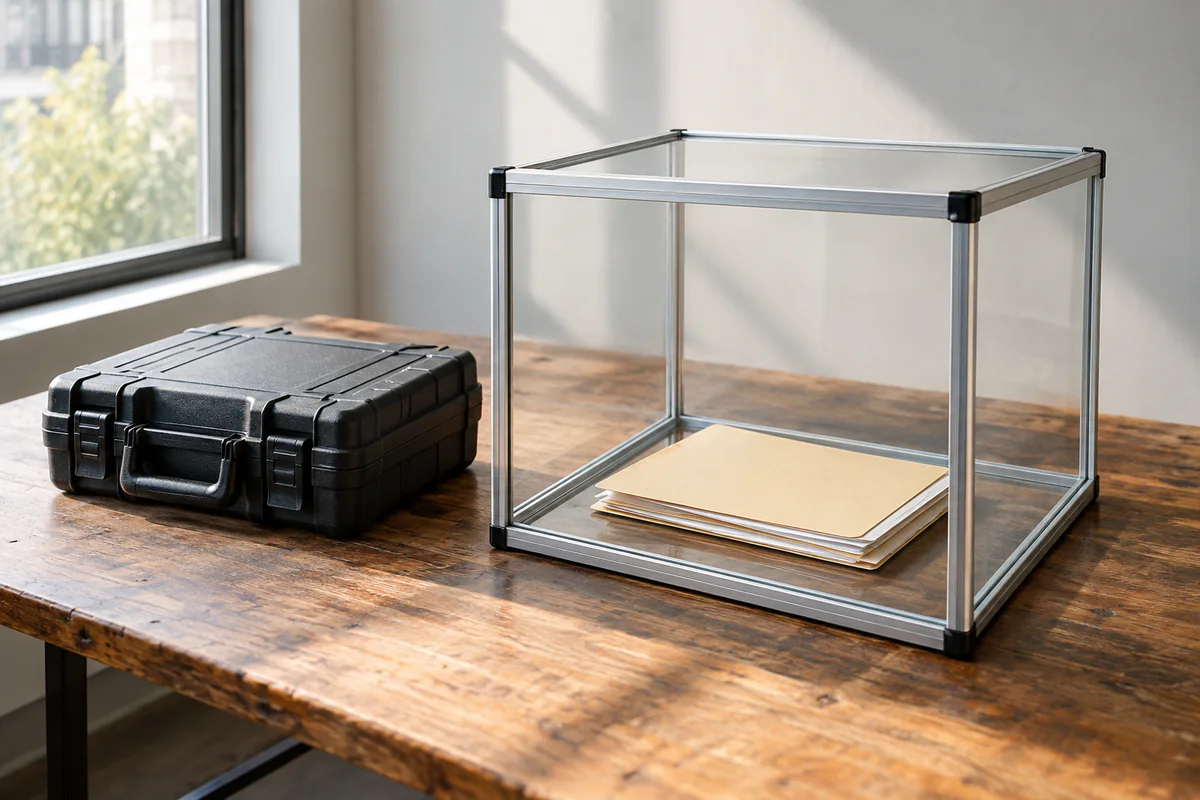
- The terminal is disabled or isolated, and its approval and deny behavior has been tested.
- You have tested the platform-specific allowlist or DM-pairing flow. The messaging gateway denies unknown users by default, while admin and regular-user command scopes need separate review (messaging documentation).
A private DM with yourself is a reasonable day-four test. A public team channel is a week-two or later decision.
Backup before you get attached
The official CLI provides hermes backup and hermes import. A backup may contain .env, authentication material, configuration, sessions, and other sensitive state, so protect the archive like a credential store. Stop the gateway before importing; hermes import overwrites files in the target Hermes home. Before you depend on the profile, test an import into an isolated scratch home and confirm the expected state rather than assuming the archive is recoverable (CLI reference).
Exercise: first-week acceptance checklist
Print or paste this checklist. Do not expand tool access until every box is checked.
- Install + model smoke test completed; at least 64,000 tokens of context confirmed; run log saved
- Enabled listeners and bind addresses inspected; no unintended public surface found
-
USER.mdhas preferences and hard constraints only -
MEMORY.mdis deliberately small (a starter budget of 20 durable facts is one workable review trigger); no secrets; no customer PII dumps - One custom skill exists and was invoked successfully as the exercise’s deliberately small scope
- Skill-write and memory-write approval enabled, or the corresponding writes disabled
- File safe root, terminal toolset,
approvals.mode, deny rules, and sandbox were tested as applicable - At least one prohibited terminal or file action was rejected and verified on disk
- No production send/write integrations connected
- Sensitive backup taken; gateway stopped; import tested once in a scratch Hermes home
- Messaging limited to private test surface (or still CLI-only)
What “done” looks like after seven days
After completing the checklist, you have a Hermes profile with curated memory, one reviewed procedure, and locally tested denial paths for repository and messaging writes. These controls reduce risk; they do not prove that an agent cannot exploit a misconfiguration or make a harmful tool call. Autonomy comes later, after retained operational records, repeated negative tests, and a second skill that also survives review. This article documents the test plan; those controls were not executed for this review.
Next: event-driven runs via webhooks (/articles/hermes-webhooks-for-event-driven-agents) and when to keep plumbing in n8n (/articles/hermes-vs-n8n-choose-by-job).