One DGX Spark is a strong single-node inference host. Two Sparks linked over ConnectX-7 are how NVIDIA expects you to grow into models and agent workloads that do not fit one 128 GB coherent memory pool—or that need tensor-parallel serving across nodes.
This article follows NVIDIA’s official clustering picture and the connect-two-sparks playbook. It is not a substitute for the live docs on the day you cable the boxes.
Primary sources (start here):
- ConnectX-7 Networking / clustering (DGX Spark User Guide)
- connect-two-sparks playbook
- NVIDIA Sync (Cluster Assistant)
- Product context: DGX Spark · what Spark is · inference reality
Network reconfiguration can isolate a node or break management access. Work from a known-good SSH path on the 10 GbE / management interface before you change ConnectX-7 netplan. Use approved QSFP cables; do not force a misoriented connector into the port—NVIDIA documents that forcing can damage the port.
What you are building
At a high level:
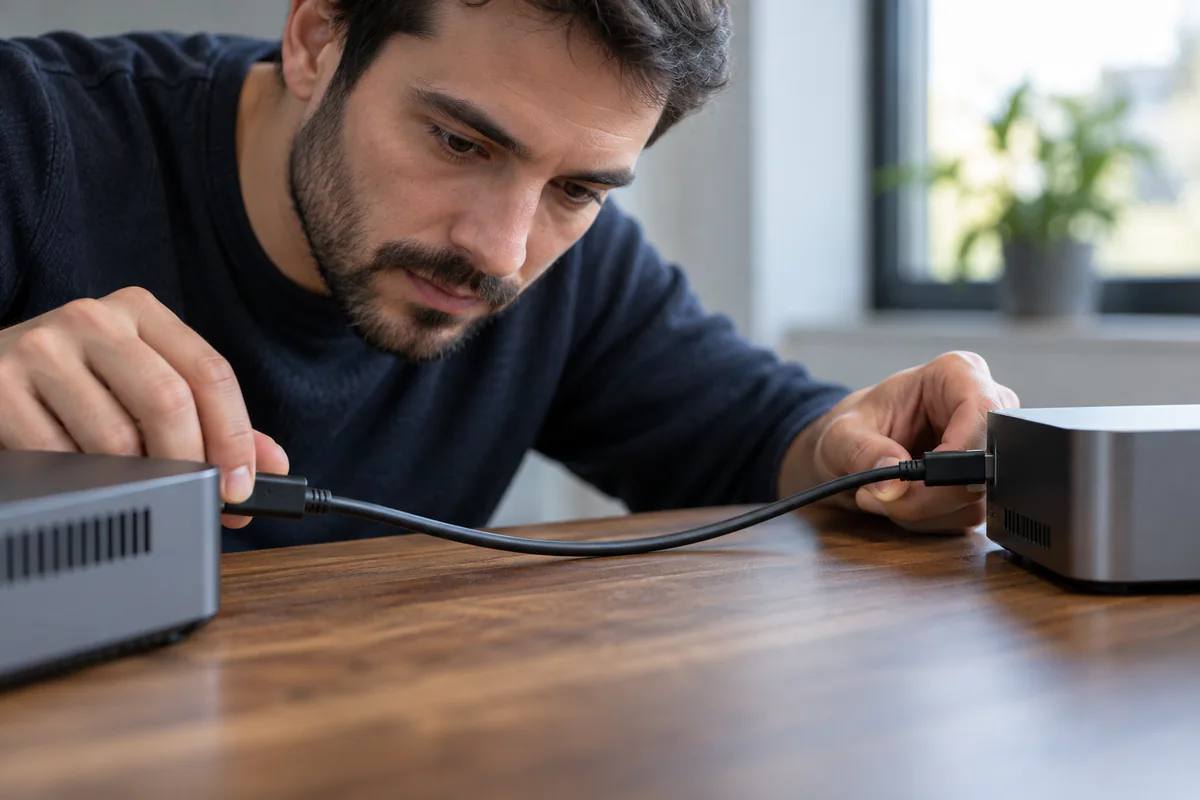
- Physically connect the two units with a QSFP cable into the ConnectX-7 ports (200 Gbps class path; cable must support at least 200 Gb/s).
- Assign IPs to the Linux Ethernet interfaces that appear for that port (each QSFP port maps to two logical interfaces).
- Use the same username on both systems.
- Establish passwordless SSH between nodes.
- Run distributed workloads over the high-speed path (NCCL / RoCE-oriented traffic for multi-node inference or training recipes).
NVIDIA’s playbook publishes its own time and risk estimates. Treat them as vendor planning notes, not a promise for your environment. Re-read the live README before the change because interface guidance and prerequisites can change.
Prerequisites
From the official playbook:
| Requirement | Why |
|---|---|
| Two DGX Spark systems | Obvious, but both on current DGX OS |
| One QSFP cable (direct 200GbE) | NVIDIA documents full bandwidth on one cable; a second cable is not a documented throughput gain |
| SSH access + sudo on both | Configuration and key distribution |
| Same username on both systems | Playbook and discovery scripts assume matching users |
Optional but useful: a second person watching the management SSH sessions, and a written note of pre-change ip addr / ibdev2netdev output.
Path A: NVIDIA Sync Cluster Assistant
If you want less manual netplan work, NVIDIA documents NVIDIA Sync Cluster Assistant as a guided path:
- Automatic discovery and network creation for supported topologies.
- Applies ConnectX-7 settings, checks link performance, and configures SSH between nodes.
- Supports up to three Sparks connected directly by cables, and up to four when using a switch (per NVIDIA Sync / clustering docs).
Install Sync on your laptop, add the Sparks, then use Cluster Assistant rather than hand-editing YAML—if your topology is supported. For physical cabling rules, left/right port orientation, and interface naming background, still read ConnectX-7 Networking. Cluster Assistant removes typing; it does not remove the need for correct cables and a rollback plan.
Path B: Manual playbook (connect-two-sparks)
1. Same username
whoami
If names differ, create a matching user (the playbook’s example uses nvidia) on both systems, grant sudo, and continue as that user. Distributed recipes and SSH key scripts assume parity.
2. Physical QSFP connection
- Plug one QSFP cable between the two Sparks.
- Prefer the same physical port position on each device when following NCCL-oriented playbooks (NVIDIA notes port consistency to avoid test issues).
- Orient the pull-tab upward; insert fully without force.
- Confirm link state with
ibdev2netdev— expect the relevant interfaces to show Up.
Each physical QSFP port appears as two Linux Ethernet interfaces (and corresponding RoCE devices). Example names from NVIDIA’s playbook look like enp1s0f1np1 and enP2p1s0f1np1 for the same physical port—your names may differ; trust ibdev2netdev on your units.
QSFP ports on Spark are Ethernet-configured in NVIDIA’s clustering docs. Use cables NVIDIA lists as suitable for ≥200 Gb/s. Faster cables do not raise the port’s 200 Gb/s cap.
3. IP configuration
The playbook offers:
- Option 1 — netplan (
/etc/netplan/40-cx7.yaml): persistent across reboot; chmod 600;sudo netplan apply. - Option 2 —
ip addr add: faster to try; IPs do not survive reboot.
Example addressing pattern from the playbook (adjust interface names to match your Up interfaces):
| Node | Interface A | Interface B |
|---|---|---|
| Node 1 | 192.168.100.10/24 | 192.168.101.10/24 |
| Node 2 | 192.168.100.11/24 | 192.168.101.11/24 |
Both addresses above belong to the two logical interfaces of the same cabled port, so a one-cable link already uses two subnets. NVIDIA’s playbook states that full bandwidth is achievable with just one QSFP cable, and its own two-Spark benchmarking guide measures RoCE bandwidth over one cable and sums that port’s two links to roughly 190 Gb/s—the 200 Gb/s port cap. The playbook’s only statement about a second cable is a configuration requirement: if two cables are connected, all four interfaces must be assigned IP addresses to obtain full bandwidth. NVIDIA does not document a second cable between the same two systems as a throughput increase, so plan a second cable as topology—a third node, or a switched fabric—not as extra bandwidth for the same pair.
Verify with ip addr show <iface> on both nodes before debugging SSH.
4. Passwordless SSH
Automatic: run the playbook’s discover-sparks script from one node to discover peers and distribute keys (you may be prompted for passwords once).
Manual: ssh-copy-id your public key to both nodes’ ConnectX-7 IPs using the shared username.
Verify:
ssh <node1-cx7-ip> hostname
ssh <node2-cx7-ip> hostname
5. Distributed workloads and RoCE
Passwordless SSH and L3 reachability are the foundation. Multi-node inference and training recipes then rely on the ConnectX-7 / RoCE path for collective communication (NCCL and similar). Do not expect Wi-Fi 7 or the 10 GbE RJ-45 port to carry that fabric.
Next steps after connectivity usually live in other playbooks (vLLM multi-node, NCCL tests, specific model recipes). Validate collectives with the NVIDIA-documented NCCL / clustering checks for your software version before blaming the model server.
Interface naming gotcha (read before you type YAML)
NVIDIA’s clustering guide explains why Spark’s ConnectX-7 layout confuses people used to one NIC = one eth0:
- Each QSFP port has two PCIe paths into the SoC.
- Linux therefore exposes two Ethernet interfaces per physical port, plus corresponding RoCE devices.
- Playbook examples (
enp1s0f1np1,enP2p1s0f1np1, …) are illustrations. Always map fromibdev2netdevon your pair after the cable is seated.
If netplan references the Down interfaces while the Up pair is ignored, you will chase “cable bad” ghosts for an hour. Print the correspondence table from the clustering doc next to your terminal for the first bring-up.
Security notes for the CX7 subnet
Treat the ConnectX-7 link as a trusted fabric, not a guest Wi-Fi:
- Do not bridge it casually onto a corporate user VLAN.
- Limit which processes bind RPC / NCCL / inference ports on those IPs.
- Remember passwordless SSH between nodes is powerful lateral movement if either box is compromised—protect physical access and OS accounts accordingly.
- Keep management and “human SSH” habits on the documented management path so a CX7 mistake does not equal total lockout.
Risk, validation, and rollback
| Risk | Why it matters | Control |
|---|---|---|
| Wrong interface named in netplan | No link or broken routing | Capture ibdev2netdev before edits; change one side at a time if unsure |
| Management lockout | You only configured CX7 and lost 10 GbE SSH | Keep laptop Sync / management path open |
| Asymmetric usernames | SSH and scripts fail mysteriously | Enforce same username first |
| Skipping RoCE validation | Inference “works” slowly over the wrong NIC | Confirm traffic on CX7; run NCCL/link checks |
| No rollback note | Outage stretches | Keep pre-change YAML and ip addr dumps |
Rollback design (adapt the NVIDIA playbook to the host):
- Before editing, identify whether
/etc/netplan/40-cx7.yamlalready exists and whether any other netplan file configures the same interfaces. Back up the relevant files and record hashes, ownership, and permissions. - Do not blindly remove a pre-existing file. Restore the exact pre-change files, run
sudo netplan generate, inspect the generated result, then apply through the known-good management path. - For temporary addresses, delete only the explicit addresses added in this change and verify the resulting routes and link state.
- Keep console or independent management access until both nodes pass post-rollback SSH and routing checks.
Rollback resets cluster networking. Schedule it like a change window if anyone depends on the multi-node endpoint. Confirm management SSH still works before you delete configs.
Troubleshooting quick table
Drawn from NVIDIA’s playbook symptoms:
| Symptom | Likely cause | Fix direction |
|---|---|---|
| Network unreachable | Interfaces not configured / netplan not applied | Re-check YAML, iface names, netplan apply |
| SSH auth failures | Keys not distributed | Re-run discover-sparks or manual ssh-copy-id |
| Peer not visible | Cable, port, or IP mismatch | Reseat QSFP; confirm Up interfaces and subnets |
| NCCL / distributed hang | Wrong NIC, firewall, or SSH/MPI setup | Confirm CX7 IPs in the recipe; check RoCE devices |
Do not do this yet
- Do not start a production tensor-parallel model before SSH and link checks pass.
- Do not mix ad-hoc IPs with forgotten netplan files across reboots.
- Do not expose the CX7 subnet to untrusted networks.
- Do not force QSFP connectors or use random DAC cables without checking speed/compatibility notes in the user guide.
Minimal acceptance test
Before you point agents at a multi-node endpoint:
- Both nodes pingable on the CX7 subnet.
- Passwordless SSH both directions as the shared user.
- Documented NCCL or playbook link check green.
- Serving recipe’s node list uses CX7 addresses, not Wi-Fi IPs.
- Exact backup and restore steps tested in a maintenance window without losing the management path.
Two Sparks plus an approved QSFP path are a documented NVIDIA pattern. The bring-up and rollback commands in this article follow vendor documentation; they are not a certified result for your hardware, cabling, or software versions. Treat any new fabric bring-up as a change-controlled network cutover, capture your own acceptance evidence, and keep the inference reality constraints in view only after the fabric passes those tests.