AI image generation moved from demo novelty to a practical work tool. In 2026 you can produce slide art, blog illustrations, social posts, marketing visuals, product mockups, and other working drafts directly from prompts. Generation time, output quality, rights, and controls vary by product and task.
This guide covers three common starting points, the workflows each supports, a prompt template you can reuse across them, and the checks that separate a usable draft from an output that still needs work.
Three common starting points
There are dozens of image-generation tools in 2026, and no universal top three. These are useful starting points with different workflows:
Midjourney. A style-led option for illustrative, atmospheric, and stylised work. It has a web app at midjourney.com and also supports creation through Discord. Check current features and subscription pricing on Midjourney’s site before you buy.
ChatGPT Images. An in-chat option for generating and editing images conversationally: “make it warmer, add a coffee cup, switch the background.” OpenAI says generation may take a few minutes depending on complexity. ChatGPT Images is available on all tiers, while some modes and usage limits vary by plan.
Flux and its hosted ecosystem. A model family available through Black Forest Labs and third-party platforms. Depending on the model and host, a Flux workflow can support photorealistic output, composition controls, fine-tuning, or consistency work. Access, licensing, and pricing vary by model and platform.
Other options include Gemini image generation, Adobe Firefly, Ideogram, and Stable Diffusion models. Their integrations, text rendering, local-running options, and commercial terms differ. Start with one tool that fits your actual workflow, then add another only when a specific limitation justifies it.
When to use which
A short decision tree:
Illustration, atmosphere, distinctive style → consider Midjourney.
In-chat creation, editing, slide art, conversational iteration → consider ChatGPT Images.
A hosted or customized workflow with model-level controls → compare Flux models and hosts.
Text in the image (signage, posters with words, UI mockups) → test current Ideogram and ChatGPT Images results with the exact text you need, then inspect every character.
Need documented commercial-use terms → review the current provider and plan terms before choosing a tool.
For work already happening in ChatGPT, ChatGPT Images can be a convenient starting point because generation and editing stay in the conversation. Consider Midjourney for a style-led workflow, or compare Flux hosts when you need controls or deployment options that your current tool does not provide.
A reusable 6-part prompt template
Across these tools, the same six-part structure is a useful starting point:
- Subject — what the image is of.
- Action / pose — what the subject is doing.
- Environment / setting — where this happens.
- Style — the visual language (photo, illustration, painting, anime, etc.).
- Lighting / mood — how it feels.
- Technical / framing — camera angle, lens, composition.
A worked example:
A young woman in a tailored grey wool coat (subject) walks across a cobblestone street with a paper coffee cup in one hand (action) in the old town of Tallinn at dawn, just after light rain (environment), in a restrained high-end editorial photography style (style), with soft directional morning light from the side and slightly muted colors (lighting), shot at 35mm with shallow depth of field, three-quarter angle (technical).
That prompt gives the model more usable constraints than “woman walking in Tallinn.” Each part of the template adds specificity that can shape the result.
A few notes on each:
- Subject. Be specific. “Woman” is weak; “young woman in a tailored grey wool coat” is strong.
- Action. What is the subject doing? Even still scenes have implied action — “looking out the window” beats “standing.”
- Environment. Place, time of day, weather, season, era.
- Style. This can strongly affect the result. “Editorial photography,” “watercolor illustration,” “polished stylised 3D render,” “1970s film photograph,” and “matte oil painting” describe distinct visual directions. Prefer descriptive attributes over copying a living artist’s style.
- Lighting. “Soft golden hour,” “harsh noon,” “moody overcast,” “candlelit warm interior.” Lighting can change the mood and visual hierarchy substantially.
- Technical. Camera angle, lens, framing. “Three-quarter portrait, 35mm, shallow depth of field” or “wide overhead shot, fish-eye lens, full focus.”
You do not need all six parts every time. For a quick utility image, start with the three or four parts that matter most. Add the others when they express a real constraint.
Common mistakes
A few patterns that can weaken an image:
Too many adjectives. “A beautiful, gorgeous, stunning, vibrant, dynamic, eye-catching image of…” Stacked adjectives blur the priority. One precise descriptor is clearer than five superlatives.
Mixed styles. “In the style of a watercolor painting and a high-fidelity 3D render and a black-and-white photograph.” Pick one starting direction. Mixed styles can produce an incoherent result.
Too much detail in the subject. “A dog with brown and white fur, blue eyes, a red collar with a silver tag that says ‘Max,’ wearing a tiny green raincoat…” The model may miss or alter some details. Prioritize the constraints that matter and inspect them in the output.
Assuming every tool uses the same negative-prompt syntax. Midjourney documents an explicit --no parameter. ChatGPT Images has no equivalent documented parameter. In ChatGPT, describe the desired composition directly and check whether the result follows the constraint.
Generating once and accepting it. When the image matters, create more than one candidate, choose the closest, and refine it. Use variation or reference controls when your chosen tool provides them.
The lines you should know
A few practical lines that matter in 2026.
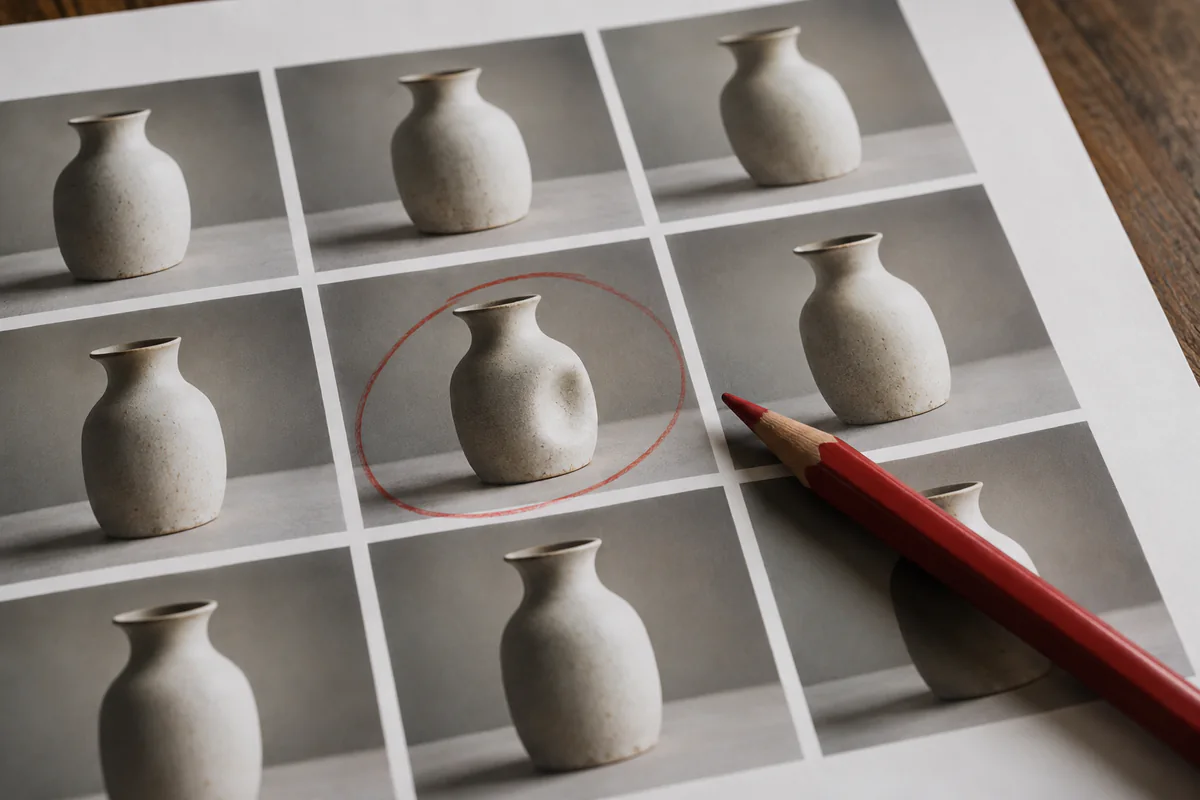
Hands and text still require inspection. Image models can still produce malformed hands or incorrect lettering. If your image features prominent hands holding objects or legible text, inspect those regions closely. For text, compare current tools using the exact phrase you need; for hands, edit or regenerate visible defects.
Famous people, copyrighted characters, and trademarked brands. Consumer tools may refuse some requests or alter the result. Do not try to bypass provider safeguards for commercial work. Confirm that you have the rights and permissions required for the intended use.
Visible generation artifacts. Over-smoothed faces, implausible lighting, repeated textures, malformed objects, or inconsistent text can make an image look unfinished. These artifacts do not reliably prove how an image was made, but they are reasons to revise or reject it for a quality-sensitive use.
Commercial licensing. Rules vary by provider, model, and tier. Adobe’s Firefly FAQ says outputs from features without a beta label can be used in commercial projects, and beta-feature outputs can also be used unless the product states otherwise. That guidance is not a blanket guarantee that every output is free of third-party rights issues. Verify the current terms and the specific asset before delivery.
A few practical workflows
Slide deck illustrations. ChatGPT Images can keep generation and editing inside the same conversation. Prompt: “[subject] in a flat illustrated style with [your brand colors], suitable for a presentation slide, minimal background, plenty of negative space.” Reuse the same constraints across the deck, then inspect each image for consistency.
Blog post hero images. Midjourney or a suitable Flux host can support this workflow. Use the 6-part template, generate several candidates, choose the closest, and refine it. Aim for a single clear image rather than a busy collage.
Social posts. Any of these tools can produce candidates. Choose the aspect ratio for the actual placement and leave room for any text or interface overlays required by the channel.
Product mockups. A Flux workflow can suit this task when the chosen model and host provide the controls you need. “A [product] on a [surface], in [lighting], shot in [style], with [context elements].” Generate variations to compare options.
Quick “what does this concept look like” sketches. Use ChatGPT Images conversationally: “Generate a rough sketch of what a settings page for a meal-planning app might look like.” Treat the result as a visual brainstorm, not a final design.
Good enough vs perfect
For everyday jobs such as slide art, blog illustrations, social posts, mockups, and brainstorming visuals, you may need one or several iterations. Generation time and the amount of review depend on the product, task, and quality bar.
Work that must look magazine-ready — photoreal product shots, complex compositions, client-facing brand art — needs more craft, often more than one tool, and serious iteration. That is a different skill level.
Start with one routine use case, one suitable tool, and the reusable template. If the result meets the quality, rights, and disclosure requirements for the job, it may reduce the need to search for a stock image; if it does not, use another source or workflow.