Companion videos

AI for meetings: transcripts, summaries, and action items — companion videos

The article focuses on permitted capture, source-bound cleanup and human verification of decisions, accepted actions and unresolved items before distribution or task creation. The picks below show that flow inside two of the most common environments: Microsoft Teams with Copilot, and Otter as a standalone transcriber.

Primary pick

13:13
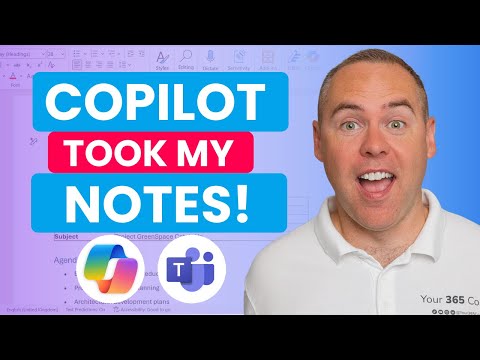
How to Use Copilot to Automate Meeting Notes in Microsoft Teams!

Scott Brant

A product-specific Copilot walkthrough alongside the article's permission and verification framework: enable transcription, ask Copilot questions live, get an audio recap and a Word minutes document afterwards, and pull action items out into a follow-up workflow. Scott Brant is a Microsoft 365 educator who does this every week, and the demo is on a real meeting rather than a contrived one.

What you should get from this: Design a meeting workflow that captures transcripts, summaries and action items without losing human review.

Watch or know first: Access to Microsoft Teams with Copilot — without it, watch for the workflow shape rather than the buttons.

AI Expert note: Teams menus move around, so treat the exact clicks as perishable; the transcribe, recap and action-item loop it demonstrates is the durable part.
Open video page

Also worth watching

4:18
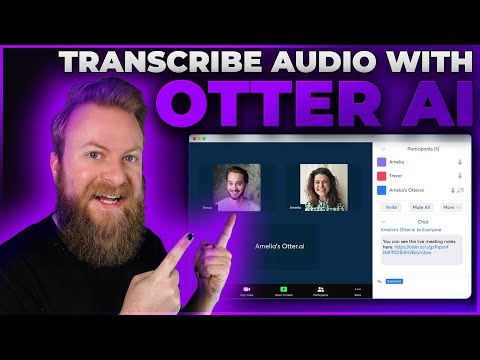
How To Use Otter AI To Transcribe Audio - Features and Overview

Elegant Themes

Short overview of Otter as a standalone transcriber for people who don't live in Teams — Otter Pilot joining meetings on your behalf, calendar/Zoom integration, file uploads, and the free tier limits. Useful as a four-minute orientation to another capture product, subject to the article's account, data and review checks.

What you should get from this: Compare a standalone transcription workflow with integrated meeting assistants before choosing a tool.

Watch or know first: None — watchable cold.

AI Expert note: Four minutes of orientation, not a tutorial — use it to decide whether a standalone transcriber fits your setup, and check Otter's current free-tier limits before committing.

Open video page