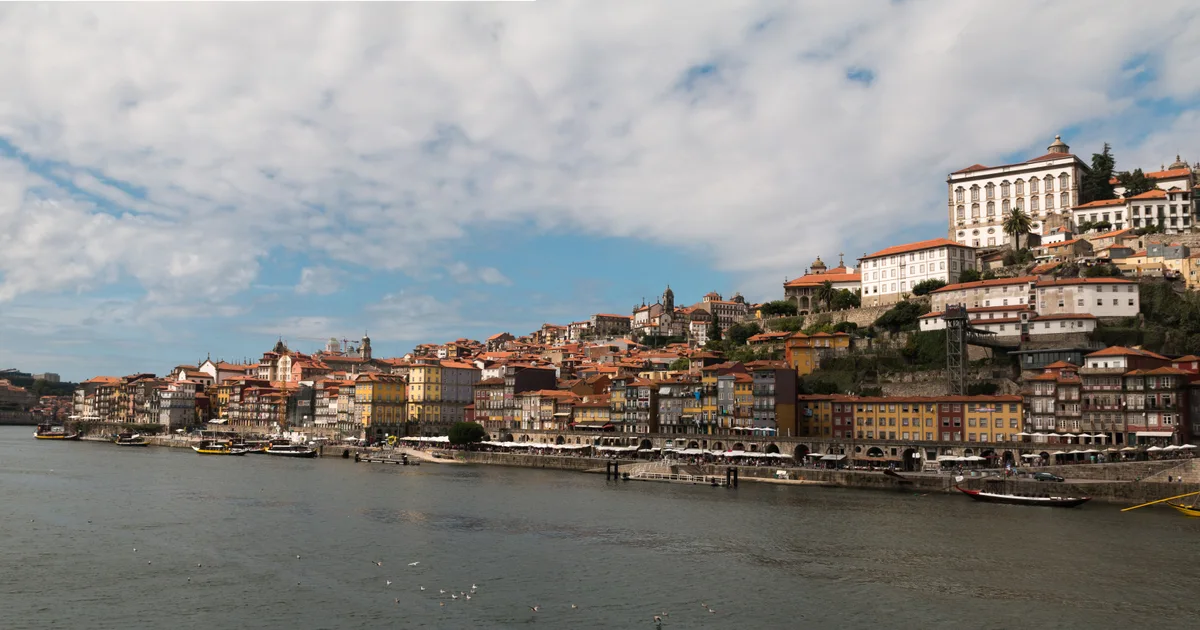
The most useful line in a Porto Christmas itinerary was a small one: confirm the meal. The river walk could be shorter if it rained. Crossing from Ribeira to Gaia could wait. The travelers had left lunch or dinner open. Either way, a list of excellent restaurants wouldn’t put a table aside on Christmas Day.
That line comes from a Notion notebook the travelers shared for this guide. They planned ten nights in Porto without a rental car. Their map held 95 pins, including stations, trail entrances and places to eat. They had nine full days to spend. The trick was to keep the pleasures of a long list without turning the holiday into an attempt to finish it.
Give the notebook two jobs
Start a practice page called Porto field notes. Use invented travel dates here. Keep your actual schedule and reservations in a separate offline record; the practice page is the one you’ll use with ChatGPT. Put a sentence at the top that settles a choice: “We’ll take a train for archaeology and leave a fair-weather day free for the Atlantic.” For these travelers, a long walk and an afternoon with ancient objects both earn their place; another photogenic viewpoint has to make a case for itself.
Inside the page, type /database and choose a table database. Call it Places. Repeat for Days. Each row in a Notion database is a page: the columns let you compare options; open the row to keep the longer notes.
| Table | Columns to start with | Example values, in column order |
|---|---|---|
| Places | Place (title), Kind (select), Source (URL), Checked (date) | D. Diogo de Sousa · archaeology · museum visitor page in Portuguese · 15 Nov 2026 |
| Days | Day (title), Date (date), Plan status (select), Main plan (text), Fallback (text), Still to check (text) | Christmas Day · 25 Dec 2030 (practice date) · Proposed · Ribeira riverfront · shorter walk on the Porto bank · ask about lunch or dinner |
Give Plan status two options to start with: Proposed for an idea and Confirmed once you’ve decided on the day. A decision to go still leaves opening hours and reservations to check.
Keep a station in Places if it gets you to the museum. It doesn’t need a slot in Days. When the table grows, add a calendar view of Days using its Date property. Leave a tempting excursion in Places until you know which day it would replace.
Connect ChatGPT and check what it can see
In Porto field notes, add a heading called Connection check. Under it, write a harmless sentence of your own, such as “The picnic tin is blue.” Keep the sentence out of your prompt. Keep booking references, passenger details and payment information out of this notebook. A page name in a prompt doesn’t narrow the permissions of the connection.
- In ChatGPT, find Notion under Settings → Plugins. Choose Connect, or Install plugin if that is the button you see. OpenAI’s setup guide gives the current steps.
- Sign in to the Notion account that holds the page. Check the workspace and access requested on the authorization screen before approving. If that access includes a schedule or bookings you want to keep private, skip the connection and paste a practice example with invented dates instead.
- Start a new chat. Give it the page title, but keep the test line to yourself. You can search as soon as the account is connected.
Use Notion to find the page “Porto field notes”. Link to the page you read and quote the sentence below “Connection check” exactly. If you can’t find it, say so. Don’t edit anything.
Open the returned link and compare the line. A plausible description of Porto proves nothing; the right private phrase and the right page are a useful test. If it fails, open the page yourself in the connected Notion workspace, check its permissions, then retry with its page link. There’s no need to make your notebook public. We tried a second lookup on the travelers’ notebook. The input was a request for one field: read the Braga day card and return its Plan status. The value returned by the Notion connection was Proposed. They were considering Braga and hadn’t committed to the day. The museum’s holiday hours need a different source.
Ask for a decision you can recognize
Give ChatGPT three entries, even if your map holds ninety more. Here’s a prompt you can use with the connected page or with just the three lines pasted into chat:
A car-free Porto trip has one unassigned day. Our candidates are Braga for archaeology, Esmoriz for wetland birds, and Ribeira for a local river walk. We like ancient objects best, but want an easy day if trains are disrupted. Pick one main plan and one fallback. Say what you’d leave out and what I must check before putting a date on it. Don’t invent times or bookings.
Here is one example decision: choose Braga, keep Ribeira as the local fallback and save Esmoriz for a day when the weather rewards a longer walk. Look for the reason: Ribeira still works if the train doesn’t. Two different train trips wouldn’t give you that protection.
Read the answer before saving it. If your connection offers edits and you have permission, ask it to change only the chosen Days row; reopen that row to check. Otherwise copy the decision into Notion yourself. Notion’s guide to pages in ChatGPT shows where supported edits appear.
Now open your Christmas Day row. If it still says “ask about lunch or dinner,” the notebook is doing its job: it remembers the one decision you haven’t made. In the second article, put three Porto days through that same test before trusting them on the road.