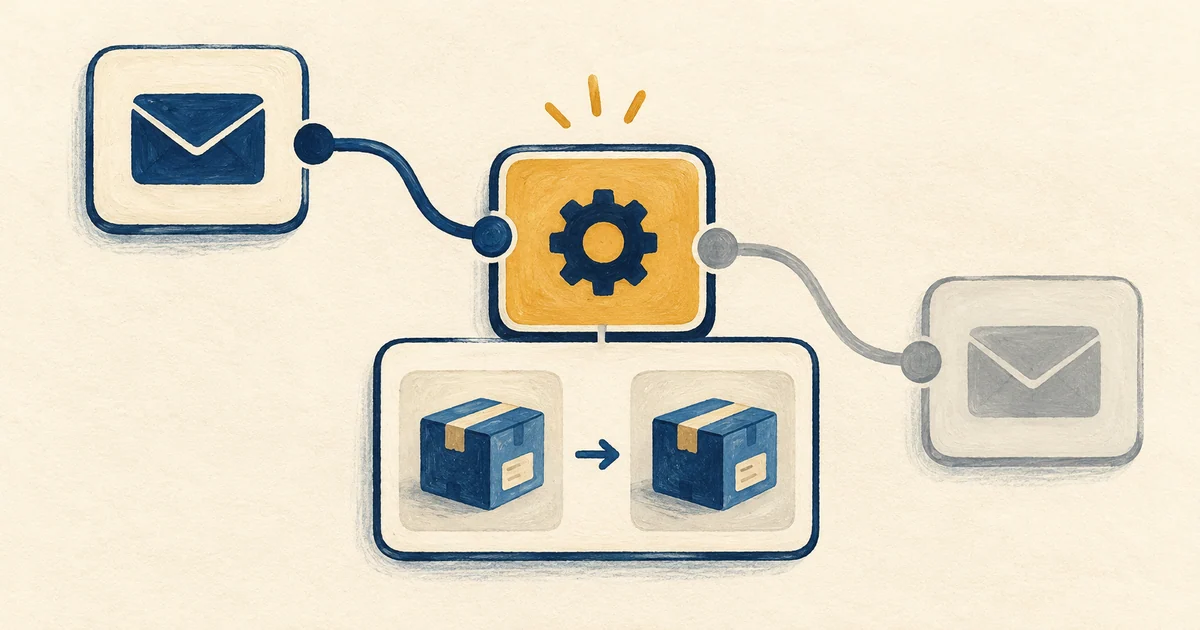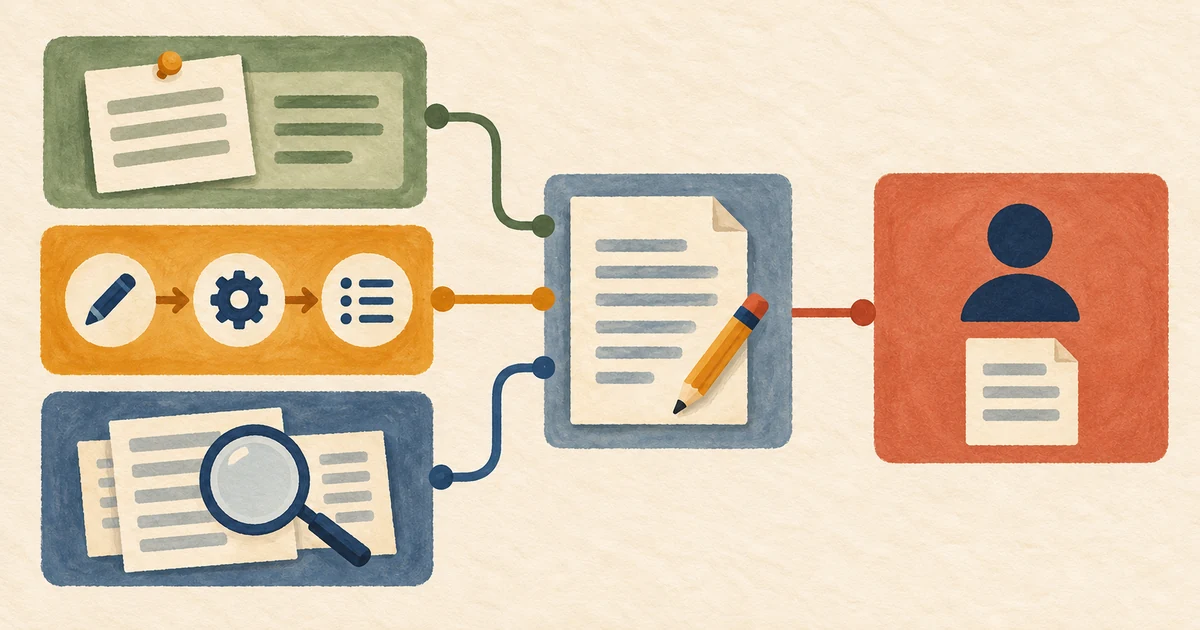
Every Friday you ask Claude to turn the editor’s rough notes into a handoff. Each handoff needs an owner, and anything still unknown needs to stay visible. You have refined that instruction over several weeks. A colleague wants to use it too. With a Claude Code plugin, you can give both of you the same command, /desk-kit:handoff. Updating the wording then becomes a change to one file.
Use Terminal on macOS or a Linux shell (including WSL on Windows). Run claude --version. If the command is missing, follow the setup guide, then start claude once to sign in. A shell runs commands such as mkdir; the Claude prompt accepts messages and slash commands. Type /exit there to return to your shell. Claude Code setup
A plugin is a package. A marketplace is a catalog that says where to find packages. A skill is one possible thing inside a package. A set of instructions saved as .claude/skills/handoff/SKILL.md already works in a single project. Packaging it becomes worthwhile when people want to install it independently or when several components belong together. Plugins overview
Inside a plugin, a skill supplies instructions, an agent takes on a separate task, and a hook runs on an event such as an edit. A mod can add a command or draw part of the interface. A Model Context Protocol (MCP) server gives Claude tools from a process or service, and a language server can find definitions in code. Inspect a package’s source and component list before installation. Hooks and servers can run code on your machine. Plugin components · Plugin security and trust
1. Create a practice repository and try an existing plugin
Start a new lab. In your shell, check git --version, then run the line below. It creates a unique temporary directory, initializes a Git repository there and prints its path. Save that path. Claude Code can write local settings at the enclosing repository root, so give the exercise a root of its own. Local settings in a Git repository
lab=$(mktemp -d "${TMPDIR:-/tmp}/claude-plugin-lab.XXXXXX") && cd "$lab" && git init -q && pwd
Resume the lab. Type cd followed by a space and your saved path in quotes. Run pwd to confirm it. Skip creation blocks for files you already have. If the system has cleared the temporary folder, start a new lab.
- In the lab shell, start
claude. Enter/pluginand open Discover. Search forcommit-commands. - Open the entry from
claude-plugins-official. Read the publisher, source and component list. This plugin includes commands that can commit and push. You can inspect the installation without invoking those commands. - Choose Install for you, in this repo only (local scope). The install summary tells you whether the plugin is active or a reload is needed. Follow the indicated reload if applicable.
- Open Installed to find the entry. Close the panel with Escape, then type
/commit-commands:at the prompt. Seeing the command suggestions confirms discovery. Press Escape to dismiss them.
The other scopes answer “who should get this?” User enables it for you across projects. Project records the setting in the repository’s shared configuration so collaborators can receive it. Local records a personal choice for this repository. An organization can restrict which marketplaces or plugins are available. Install and manage plugins
2. Build a plugin you can inspect in full
Type /exit to return to the same lab shell. Paste the whole block, including the final SKILL marker, to create the two files.
mkdir -p desk-kit/.claude-plugin desk-kit/skills/handoff

cat > desk-kit/.claude-plugin/plugin.json <<'JSON'
{
  "name": "desk-kit",
  "version": "1.0.0",
  "author": { "name": "Editorial Desk" },
  "description": "Editorial handoffs from rough desk notes."
}
JSON

cat > desk-kit/skills/handoff/SKILL.md <<'SKILL'
---
name: handoff
description: Turn pasted editorial notes into a short shift handoff.
disable-model-invocation: true
---

Use only the desk notes below. Write three lines headed Done, Next and Open.
Keep the named owner and time on the relevant line. Put missing details
under Open. Do not invent a deadline or change planned work to completed work.

Desk notes:
$ARGUMENTS
SKILL
The first file names the plugin. The second defines its handoff skill. Keep skills/ beside .claude-plugin/. The disable-model-invocation setting gives the editor control over when the skill runs. When you type the command, Claude Code substitutes the notes that follow it for $ARGUMENTS. Create a plugin · Skill invocation and arguments
3. Load it and give it an acceptance test
From the lab root, run claude plugin validate ./desk-kit. A missing README or license can appear under public directory submission checks even when local validation passes. Once validation passes, start claude --plugin-dir ./desk-kit to load the working copy for one session.
At the Claude prompt, type /desk-kit:handoff Lina checked all captions. Mo will send the proof at 15:00. The photo credit is still unknown. A good response reads “Done — Lina checked the captions. Next — Mo will send the proof at 15:00. Open — Photo credit unknown.” Wording can vary. Changing a future action to a completed one is an error. Edit the instruction if needed, run /reload-plugins, and test again with a missing time. Each invocation uses a model turn. Local plugin development
4. Share it and keep it maintainable
For a teammate’s local trial, share the desk-kit folder and the --plugin-dir command. For ongoing team installs, a marketplace catalog tells Claude where to find the package. The manifest inside the package tells Claude which plugin it found. Here are the three files once the catalog is in place.
lab root/
├── .claude-plugin/marketplace.json
└── desk-kit/
    ├── .claude-plugin/plugin.json
    └── skills/handoff/SKILL.md
Exit Claude with /exit. In the lab shell, run claude plugin marketplace list. If the name editorial-tools already belongs to another catalog, skip the installation and removal below. Your working copy still works with --plugin-dir.
mkdir -p .claude-plugin
cat > .claude-plugin/marketplace.json <<'JSON'
{
  "name": "editorial-tools",
  "metadata": { "description": "Tools for the editorial desk" },
  "owner": { "name": "Editorial Desk" },
  "plugins": [{ "name": "desk-kit", "source": "./desk-kit" }]
}
JSON

claude plugin validate . &&
  claude plugin marketplace add ./ &&
  claude plugin install desk-kit@editorial-tools --scope local
The leading ./ marks a local path. Claude Code reads a bare name/name as a GitHub repository. The catalog is registered for you and the plugin is enabled only in this lab. From the lab shell, run claude plugin details desk-kit@editorial-tools. Under Component inventory, find Skills (1) handoff. Every other component listed should show zero. Under Projected token cost, compare the estimate for loading the plugin with the estimate for invoking the skill. Your notes, the rest of the session and the generated response also contribute to actual usage. Marketplace setup
You added this catalog from a local folder, so Claude Code loads desk-kit from your working copy. An edit takes effect at the next session start or after /reload-plugins, whatever the version says. A catalog hosted in a Git repository gives each person a cached copy instead. To ship a change there, raise version in plugin.json, push, and have each person run claude plugin update desk-kit@editorial-tools or choose Update now on the Installed tab. Release a new version
To undo this trial, use the lab shell. If you installed commit-commands for the exercise, run claude plugin uninstall commit-commands@claude-plugins-official --scope local. If you added the practice catalog, run claude plugin uninstall desk-kit@editorial-tools --scope local and then claude plugin marketplace remove editorial-tools. Check claude plugin list for the removal of the lab installations. Plugin updates, scopes and removal
If the command is missing, look in the Errors tab of /plugin. Check the exact name /desk-kit:handoff and the path skills/handoff/SKILL.md. If edits seem to have no effect, run /reload-plugins or start a new session. If desk-kit came from a hosted marketplace, it stays on its cached copy until its version changes.