You opened the chat window to answer one email. Forty minutes later you have three unrelated tabs open, a half-finished conversation about a completely different topic, and the email is still not sent. Nothing went wrong, exactly — every step felt useful in the moment. That is the problem: AI assistants are frictionless enough that “just checking” and “one more question” cost almost nothing to start and almost nothing to notice piling up.
The goal is a small boundary — an attention budget — around AI use specifically, on top of whatever screen-time habits you already have. It will not fix every distraction in your life. It targets one specific failure mode: a genuinely useful tool that quietly fragments your day because nothing about using it forces you to stop.
Why this is a real, separate problem
Attention research did not start with AI. Gloria Mark’s observational work describes shorter intervals between screen switches in the workplaces and periods her team studied, with many switches initiated by the user rather than a notification (APA podcast interview with Gloria Mark). Those averages are not a diagnosis of an individual and do not prove that AI caused the change. They provide a reason to measure your own switching pattern instead of assuming every short tool visit is free.
Interruptions and task switching can impose a resumption cost, although the size varies by person, task, and study design (UC Irvine ICS, “Regaining Focus in a World of Digital Distractions,” 2023; APA, “Multitasking: Switching costs”). An AI detour can create the same pattern: a switch away from the current task and another switch back. There is not yet enough evidence to assign one universal AI-specific productivity penalty, so the exercise below asks you to observe your own sessions.
This is not a claim that AI is designed to be addictive the way some social platforms are; the mechanism here is closer to email or instant messaging — a tool with a low barrier to “just checking” that has no natural stopping point unless you build one.
The misconception: the fix is more willpower
The common framing is “I just need more discipline.” That can hide environmental contributors such as notifications, open tabs, and sessions with no defined end. A practical experiment is to decide the boundary before opening the tool, then record whether it helped; if it did not, revise the environment or seek appropriate support rather than blaming yourself.
Build an attention budget
An attention budget answers three questions, decided in advance, for each category of AI use in your day:
- When does this open? — a specific trigger (a time, a task, a recurring slot), not “whenever.”
- What job does it have? — one sentence describing the task, specific enough that you can tell when it is done.
- When does the session end? — a concrete signal: a timer, a deliverable, or a fixed number of exchanges.
Example budget entries:

Morning email triage
- Opens: 9:00am, after I've read my calendar, before anything else
- Job: draft replies to flagged emails from yesterday
- Ends: when the flagged-email list is empty, or 20 minutes, whichever
  comes first

Research question that comes up mid-task
- Opens: only if the question is blocking the current task
- Job: answer the one specific question
- Ends: immediately after the answer — no follow-up questions unless
  they're also blocking

Evening open-ended exploration ("let me just ask about...")
- Opens: never during work hours
- Job: n/a — this category doesn't get a work-hours slot
- Ends: n/a
Ask the model to help you draft your own budget from a description of your actual week — it is a reasonable use of the tool to help design the boundary, as long as you are the one enforcing it:
Here's how I currently use AI assistants across a typical day:
[describe: what tasks, roughly when, roughly how long each session runs]

Help me turn this into an attention budget: for each category of use,
suggest a specific trigger for when it opens, a one-sentence job
description specific enough to know when it's done, and a concrete
session-end signal (timer, deliverable, or exchange count). Flag any
category where I described no clear ending as the likely source of
drift.
The before/open/close protocol
Beyond the daily budget, a short ritual around each individual session reduces drift:
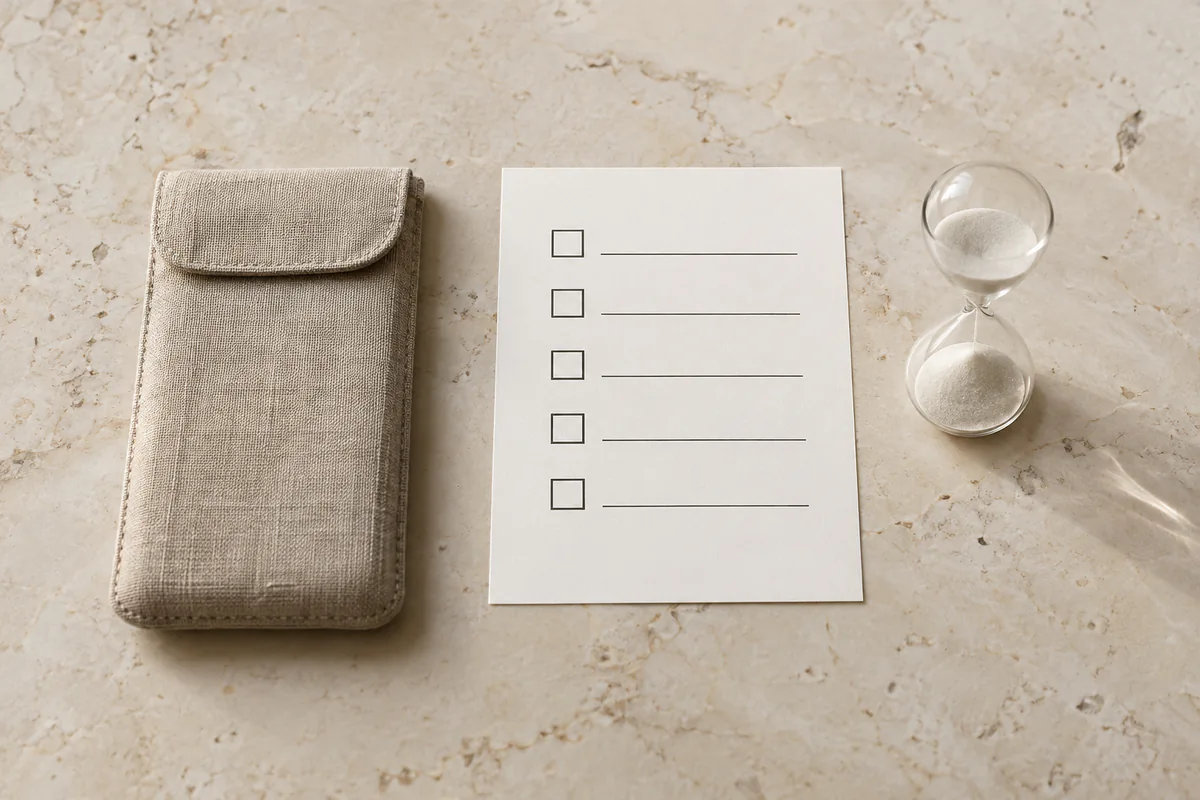
Before opening: name the job in one sentence, out loud or in a note, before you type the first prompt. If you cannot name it in one sentence, that is itself a signal you are about to browse rather than work.
While open: if a new, unrelated question occurs to you mid-session, write it down instead of asking it immediately. Most of these questions are not actually urgent — they just feel urgent because the tool is right there.
On close: check the job you named against what you got. If it is done, close the tab or window fully rather than leaving it open “just in case.” An open tab is a standing invitation to check again.
Settings that reduce the ambient pull
A few device- and account-level changes reduce how often you are pulled back in without deciding to be:
- Turn off push notifications for AI apps entirely — a chatbot rarely has anything urgent enough to justify an interrupt, unlike a message from a person.
- Remove AI apps from your phone’s home screen or dock; keep them one folder deep so opening one requires a small deliberate action, not a reflex tap.
- If your assistant has a persistent memory or “continue this conversation” feature, periodically close out old threads rather than letting one conversation stretch across days — a stale open thread is easy to wander back into without a fresh “what’s the job” check. (See custom instructions and memory for how that feature works and what it’s for.)
- If you use AI heavily for one task type (writing, coding, research), consider a dedicated browser profile or window for it, separate from your general browsing — the switching cost between “AI work” and “everything else” becomes visible instead of a single blurred tab bar.
What not to do
Do not adopt a blanket “no AI after 6pm” or “maximum 30 minutes a day” rule copied from a screen-time app, without checking whether it fits how you actually use these tools. A rule with no connection to your real usage pattern gets ignored within a week. The budget above works because each entry is tied to a specific real task, not an arbitrary total.
Do not treat this as a productivity hack that also happens to protect your attention. The goal is not squeezing more output from the same hours — it is noticing when a genuinely useful tool has quietly become the thing you check between other things, the way a phone gets checked between other things.
If AI use feels hard to control, causes marked distress, disrupts sleep or daily functioning, or repeatedly displaces important activities, do not diagnose yourself from this article. Consider discussing the pattern with a qualified health professional or another appropriate support person. See when to stop the chat and contact a person.
What AI can and cannot do here
A model can help you draft the budget, suggest categories you missed, and even role-play as a check-in (“ask me at the start of each session what today’s job is”). It cannot enforce the boundary — it has no way to close the tab for you, and asking it to nag you is a workaround, not a fix, if you are the one who keeps overriding it. Using more AI to solve a problem partly caused by AI use is not automatically wrong, but it is not the cure either; the actual mechanism is a decision you make and keep, ideally supported by the blunt tools above (notifications off, apps buried, sessions closed).
Try it today
Write down every way you used an AI assistant yesterday—each task, approximate duration, whether it had a clear ending, and whether the original task was completed. Use the attention budget and session card to turn the categories that trailed off into entries with a trigger, a job, and an end signal. Run it for seven days, then compare with the baseline. Treat the result as a personal observation, not proof of a clinical condition or of a universal effect of AI.
The evidence above supports testing fewer interruptions and clearer task boundaries; it does not validate this particular budget as treatment. The APA health advisory on generative-AI chatbots and wellness applications supports watching for overreliance and displacement, while qualified psychological and accessibility review of this exercise remains pending.